How to make the pointer easier to see when using a mouse or trackpad with iPhone

You can change the size, color, and contrast of the pointer on iPhone so it's easier to see when you use a mouse or trackpad.

By Kevin Shaw - Editor
0 Min Read

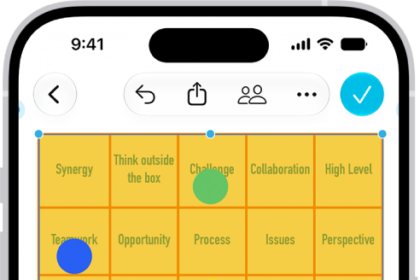
If you have difficulty seeing or following the pointer when you use a mouse or trackpad with iPhone, you can change its size and color so it’s easier to locate on the screen. It’s all in Pointer Control, in Accessibility settings.

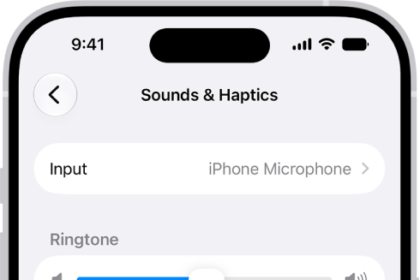
Go to Settings > Accessibility > Pointer Control, then adjust any of the following:

  • Increase Contrast
  • Automatically Hide Pointer
  • Color
  • Pointer Size
  • Scrolling Speed

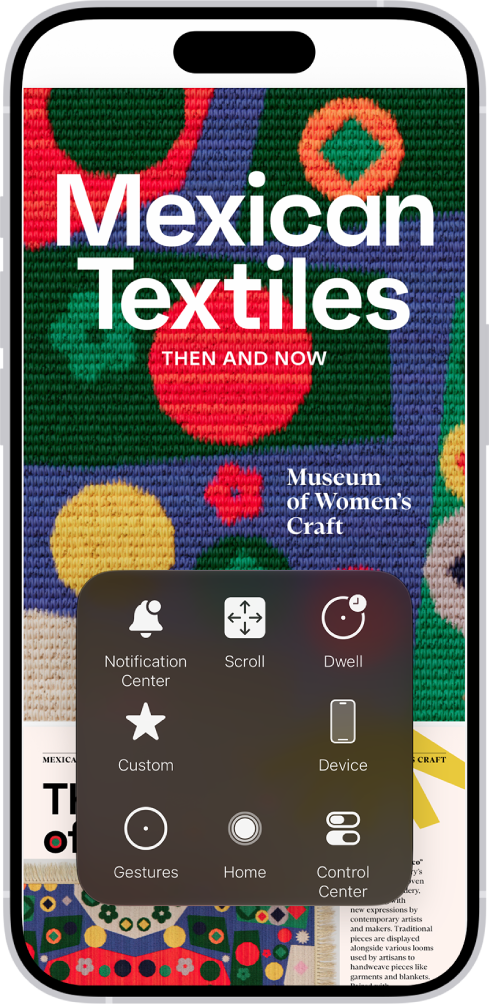
To customize the buttons of the pointing device, go to Settings > Accessibility > Touch > AssistiveTouch > Devices.
Editor
Follow:
Kevin Shaw is a seasoned tech journalist based in Los Angeles with a penchant for all things Apple. He started writing about Apple products in 2007 and it's been a love affair ever since. He has spent over a decade testing and writing about iPhones, iPads, Macs, and other Apple products. In his spare time, he likes nothing more than catching up with the latest news and sports podcasts on the beach.
Leave a Comment