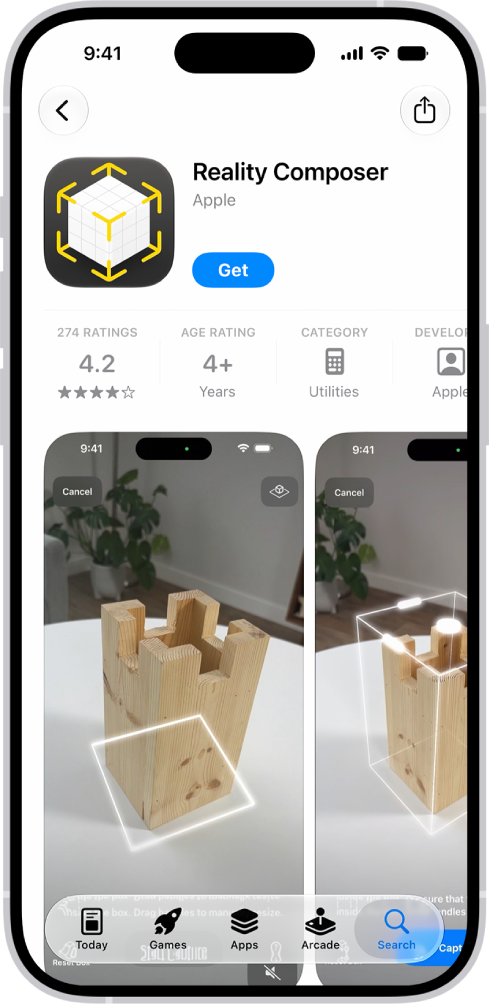
Apps installed by default on your iPhone are updated whenever you update iOS. Apps that you download from the App Store app are automatically updated by default, but you can manually update an app, or turn off automatic app updates. After an app is updated, it shows up below Updated Recently.
Turn off automatic app updates
- Start the Settings app on your iPhone.
- Tap Apps and then tap App Store.
- Turn off App Updates.
Manually update apps
- Start the App Store app on your iPhone.
- Tap the My Account button or your picture.
- Tap App Updates and then tap Update next to apps you want to update, or tap Update All.
After an app is updated, it appears in the list of apps below Updated Recently.