How to share and send apps in the App Store on iPhone

You can share a link to an app in the App Store on iPhone, or send an app as a gift.

By Stacey Butler - Senior Staff Writer
0 Min Read

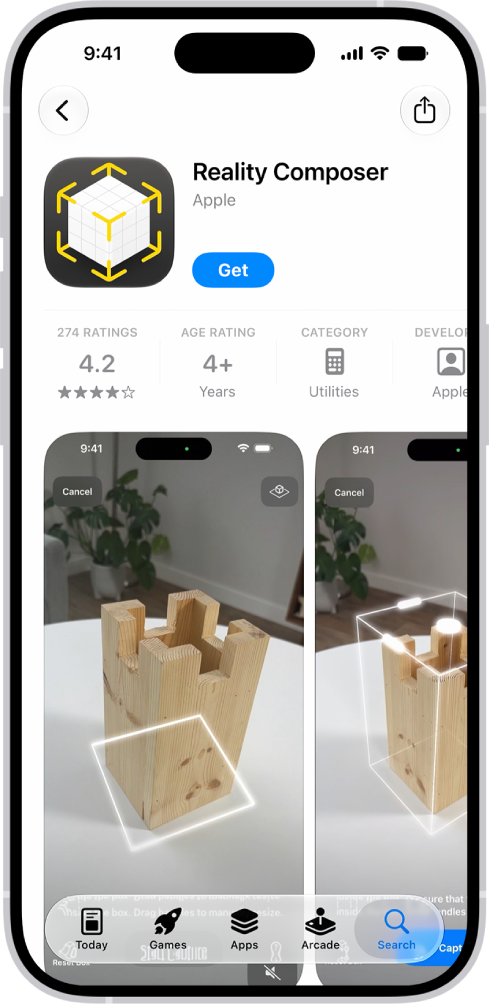
On iPhone, when you find something special in the App Store, you can share a link to it or send it as a gift. Both start on the app’s details page, where the Share button lets you pick a sharing option or Gift App.

Note: Not all apps are available to send as gifts.

  1. Start the App Store app on your iPhone.
  2. Tap the app you want to share or give to see its details.
  3. Tap the Share button and choose a sharing option or tap Gift App.
TAGGED:
Senior Staff Writer
Follow:
Stacey is a senior staff writer at GeeksChalk and has been writing about Apple for nearly a decade. She covers all things Apple for GeeksChalk, including iPhones, iPads and Mac. Based in Honolulu, Hawaii, Stacey is often found hiking precarious landscapes or tinkering with a camera.
Leave a Comment