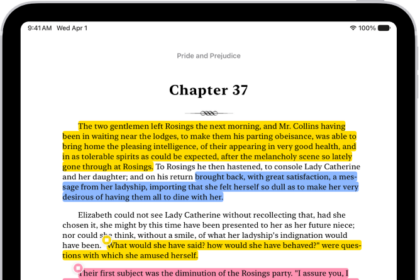
On iPad, you can isolate the subject of a photo or video frame from its background, then copy or share it in other documents and apps. You can use this feature in Photos, Safari, Quick Look, and more.
Once the subject is lifted, you can paste it into an email, text message, or note, look it up to learn more about it, or add it as a sticker to use in Markup and Messages. You can also share it with AirDrop or Mail.
Note: This feature isn’t supported on iPad (8th generation).
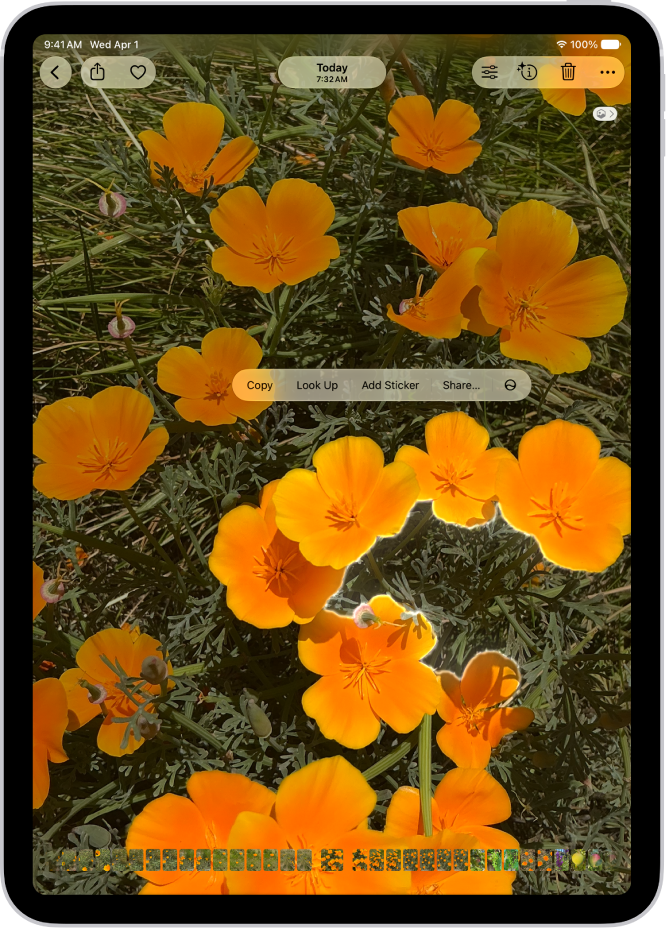
- Open a photo in full screen, or pause a video on any frame.
- Touch and hold the subject. When an outline appears around the subject, do one of the following:
- Tap Copy or Copy Subject, then paste the subject into an email, text message, or note.
- Continue to hold, then drag the subject into another document.
- Tap Look Up to learn more about the subject.
- Tap Add Sticker, then save the sticker to use in Markup, Messages, and more.
- Tap Share, then choose a sharing option, such as AirDrop or Mail.
See also