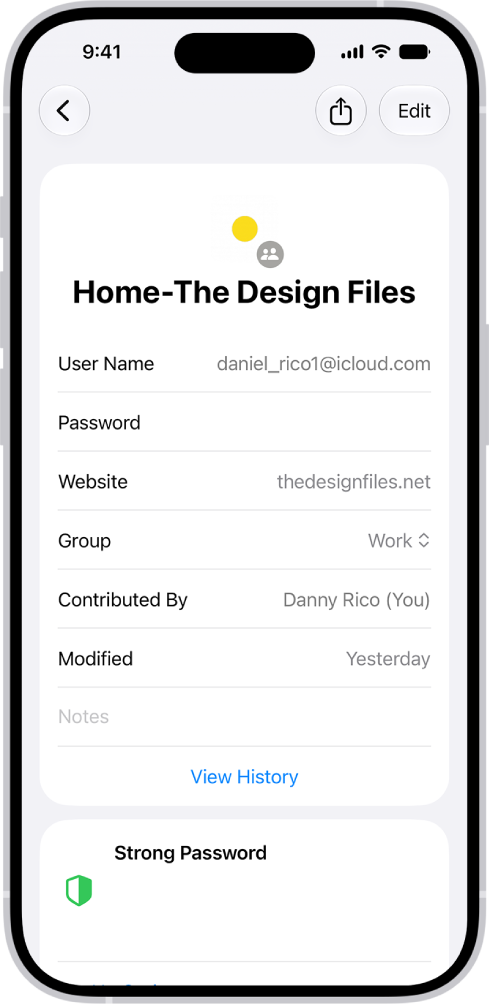
You can find your password for a website or app by searching or sorting your accounts on iPad.
In the Passwords app, you can search for the name of the account, or sort your accounts the way you want them listed. Either way, the password is in the account’s Password field.
Here’s how to find your password for a website or app on iPad.
Find your password for a website or app by searching for the account
- Go to the Passwords app on your iPad.
- Enter the name of the account in the search field at the top of the screen.
- Tap the account and tap the Password field.
Find your password for a website or app by sorting your accounts
- Start the Passwords app on your iPad.
- Tap All.
- Tap the Sort By button at the bottom of the list of accounts. Then tap how you want to sort your accounts.
- Locate and tap the account and then tap the Password field.
See also