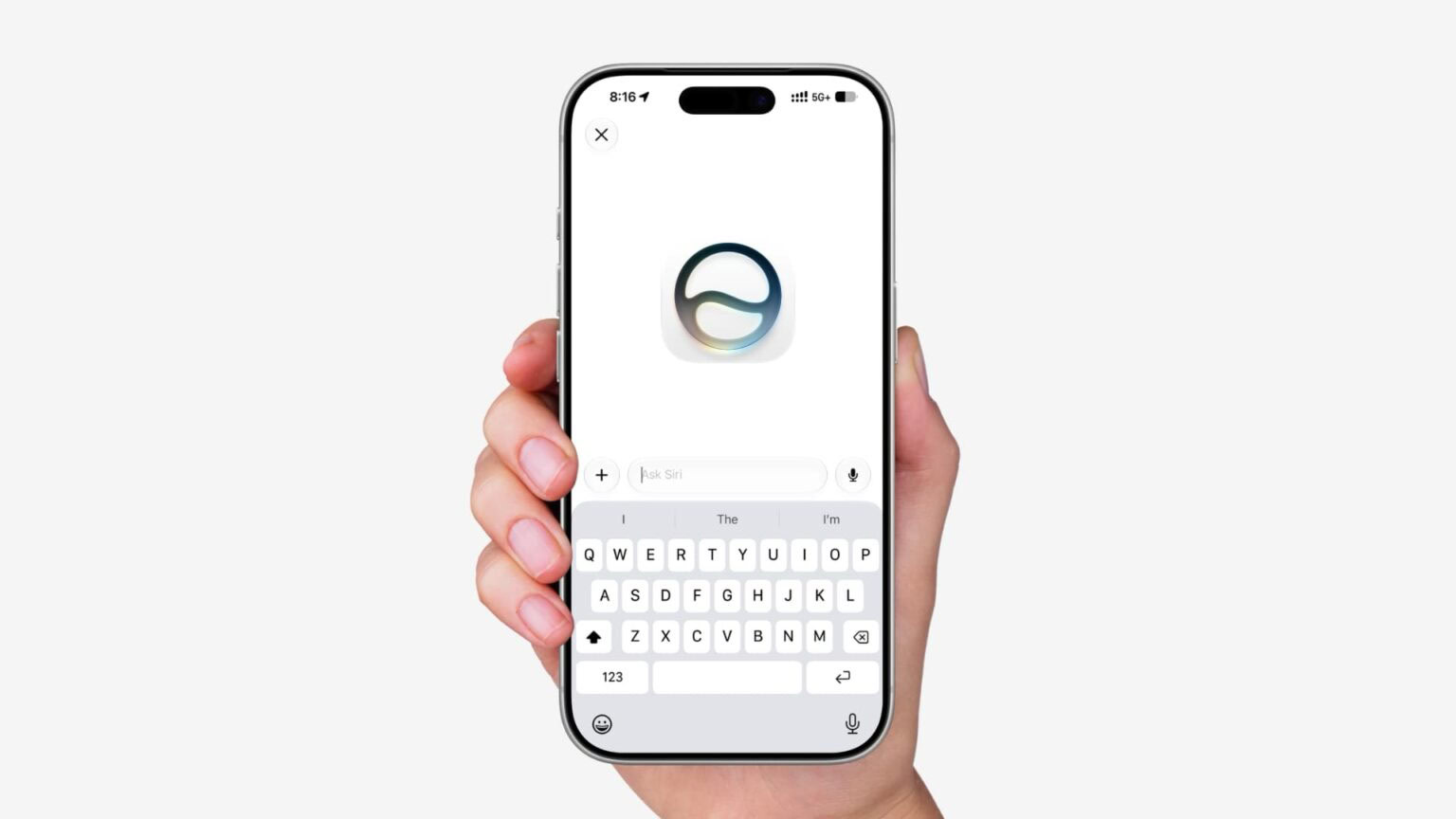
iOS 27, iPadOS 27, and macOS 27 Golden Gate includes a new standalone Siri app that stores all your conversations. The Siri app uses iCloud to privately sync conversational history across your Apple devices, so you can start chatting with Siri on Mac and continue the conversation on your iPhone, iPad, Apple Watch, or Apple Vision Pro, bringing together your conversations in one place. You may want to have the Siri app on your iPhone, iPad, or Mac, but don’t want Siri conversations on one device going to the other. Thankfully, there is a way to limit Siri conversations to one device. This article explains how to stop Siri syncing in iCloud and limit your chats to one device.
The new Siri app lets you view your past conversations in List or Grid layouts, select multiple conversations to delete them, and pin or rename any single conversation. You can type your query or use voice to get relevant answers.
What you ask is automatically saved as a conversation in the app so you can reference it later. Additionally, the queries you ask Siri voice assistant (the same one you invoke by pressing the Siri button or saying "Hey Siri") are also saved in the new Siri app.
Siri app is designed to protect your information. Apple’s Siri features run on-device and on cloud servers using Private Cloud Compute. Data is not accessible to Apple or third parties.
Private Cloud Compute servers have historically all been Apple servers in Apple data centers, but Apple is expanding Private Cloud Compute to run Apple Intelligence workloads on Google Cloud using NVIDIA hardware.
Stop Siri Conversations Syncing Across Your Devices
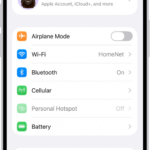
- Open the Settings app on your iPhone.
- Tap your name at the top of the screen.
- Tap iCloud.
- Tap Saved to iCloud , See All.
- Tap Siri.
- Tap Stop Using Siri with iCloud
Because Siri conversations are no longer syncing across your devices, if you make a change in one place, you won’t see it everywhere. So if you pin or rename Siri conversation on your iPad, those changes won’t be saved in iCloud.
When you want to revisit a past conversation, you can open the Siri app on the device containing that particular conversation.
What do you think of the new Siri app in iOS 27? Do you find it useful? Let us know down in the comments.
You May Like: How to Pin Siri Conversation in iOS 27