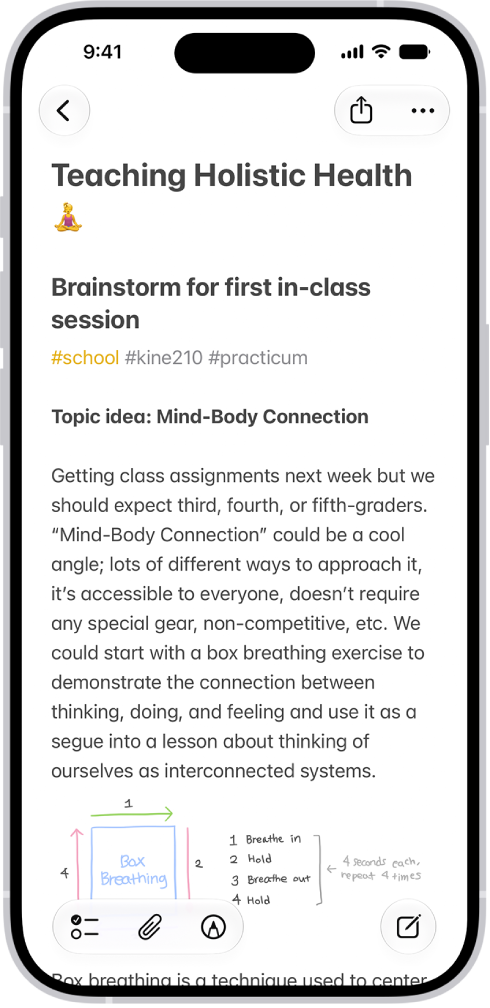
On iPhone, in the Notes app, you can easily search and filter your notes across folders using Smart Folders. A Smart Folder can be created when viewing a list of tagged notes, or you can convert a folder, and its notes move to the Notes folder, tagged with the name of the Smart Folder.
Create a Smart Folder
- Start the Notes app on your iPhone.
- Tap the New Folder button, choose an account (if you have more than one) and enter a name. Tap Make Into Smart Folder.
- Choose one or more filters and then choose to include notes matching any or all of the selected filters. You can filter by tags, dates, mentions, and more. You can also create a Smart Folder when viewing a list of tagged notes. Tap the Folder Actions button and then tap Create Smart Folder.
Convert a folder to a Smart Folder
When viewing the folder you want to convert, tap the Folder Actions button, then tap Convert to Smart Folder. When you convert a folder, its notes are moved to the Notes folder and tagged with the name of the Smart Folder. Note: You can’t convert a shared folder, a folder with a subfolder, or a folder that contains locked notes.
Edit or delete a Smart Folder
There are two ways to edit or delete a Smart Folder:
- In the folders list, tap Edit, tap the Folder Actions button, then choose an option. Tap the Done button.
- Touch and hold a Smart Folder, then tap Edit Smart Folder or Delete. When editing a Smart Folder, you can change the name or filters.