Background Security Improvements provides additional protection to your iPhone in between software updates. With Automatic Install on, these security improvements install on your iPhone on their own. In rare instances of compatibility issues, they may be temporarily removed, then installed in a future software update.
Important: In rare instances of compatibility issues, these security improvements may be temporarily removed and then installed in a future software update.
Turn on Automatic Install for Background Security Improvements
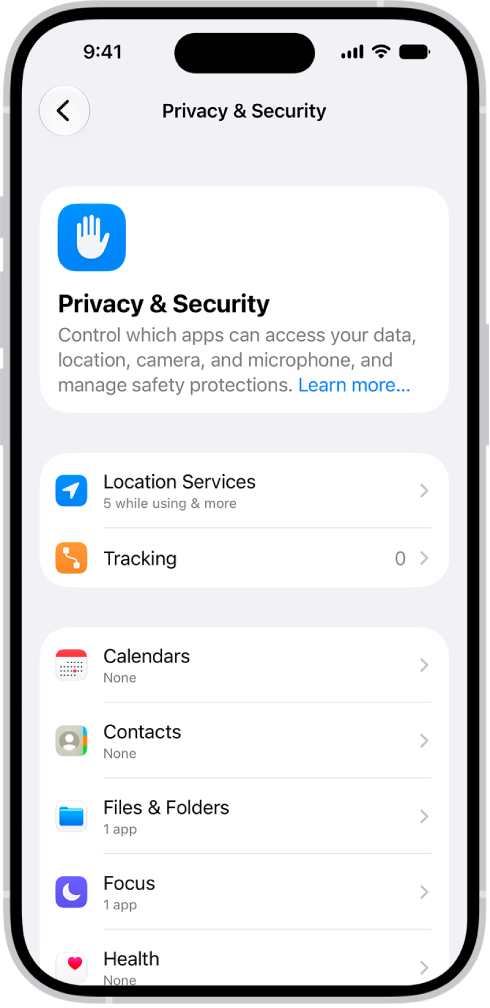
Go to Settings > Privacy & Security > Background Security Improvements, then turn on Automatically Install.
Learn more about Background Security Improvements
Go to Settings > Privacy & Security > Background Security Improvements, then tap Learn More.