How to customize visual accessibility settings for specific apps on iPhone

You can choose different color, text size, and motion settings for specific apps, or for the Home Screen and App Library, on iPhone.

By Moses Johnson - Editor
0 Min Read

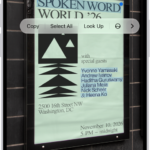
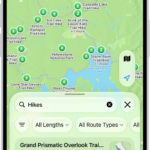
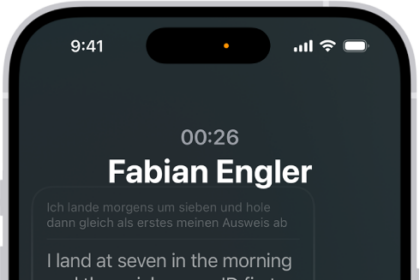
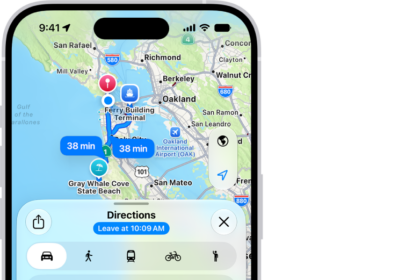
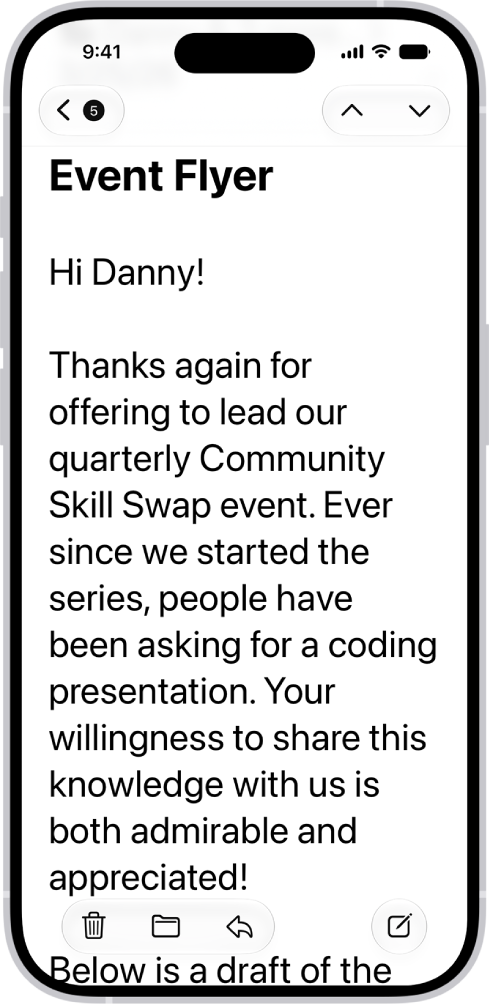
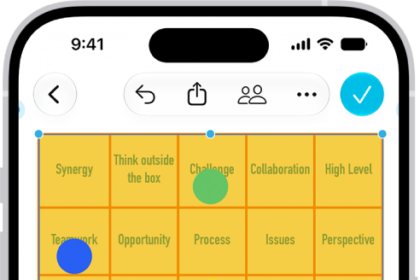
On iPhone, you can choose different color, text size, and motion settings for certain apps or for the Home Screen and App Library. In Per-App Settings, you add an app from the list, or the Home Screen and App Library. Each one gets its own settings.

  1. Open Settings, tap Accessibility, and then tap Per-App Settings.
  2. Tap Add App. Then choose an app from the list (or Home Screen & App Library).
  3. Tap the name of the app (or Home Screen & App Library) to access its settings.
Follow:
Moses Johnson is the Editorial Director of GeeksChalk.com, who has a keen eye for news, rumors, and all the unusual stuff around Apple products. Moses is commonly referred to online as The Professor, with decades of experience in tech under his belt.
Leave a Comment