On iPhone, in the Podcasts app, you can share a podcast show or episode as a link. You can share while viewing show information or while viewing episode information, and you’ll even be able to specify the starting time for a shared episode.
- Start the Podcasts app on your iPhone.
- Do any of the following:
- While viewing show information: Tap the More button and tap Share.
- While viewing episode information: Tap the Share button.
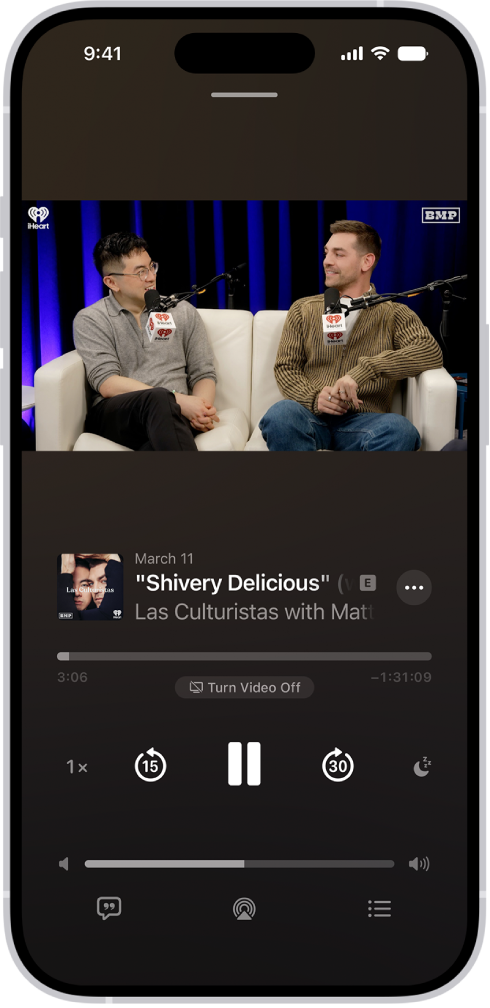
- To specify the starting time for a shared episode: From the Now Playing screen, tap the More button. Then tap Share. Tap From Start, choose From [time], and tap the Done button. The shared episode starts from the point where you’re watching or listening when you tap Share.
- Choose how to share the show or episode.