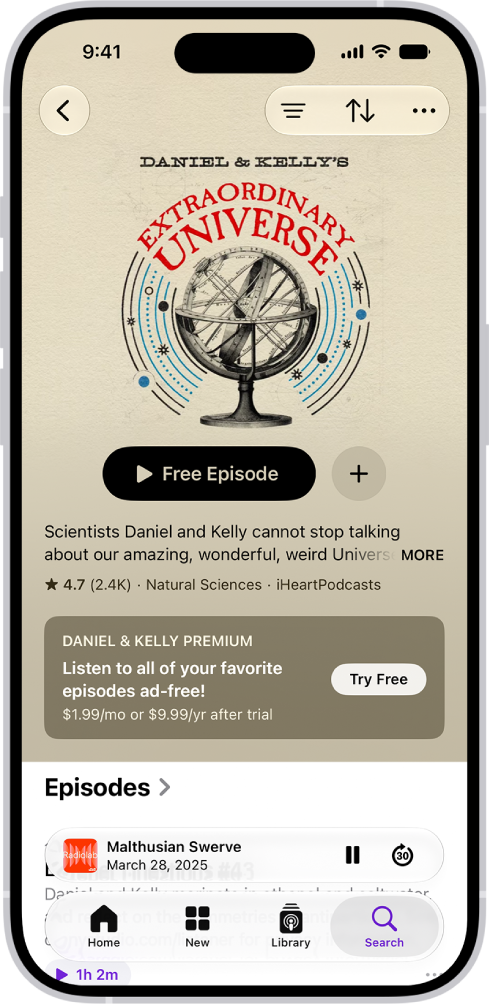
On iPhone, you can rate and review a show, read reviews from other listeners, and delete a review you wrote if you later change your mind. It all happens in Ratings & Reviews, for the show you want to rate or review, where you can rate the show from 1 to 5 stars or write a review.
Rate or review a show
- Open the Podcasts app on your iPhone.
- Search or browse for a show.
- Tap the show you want to rate or review and then scroll down to Ratings & Reviews.
- Do any of the following:
- Rate a show: Tap a star to rate the show from 1 to 5.
- Review a show: Tap Write a Review. Tap a star to rate the show and enter your review. Then tap the Submit button.
- Edit a review: Tap Write a Review, make any changes and tap the Submit button.
Delete a rating or review
- Open the Podcasts app on your iPhone.
- Tap Home. Then tap the My Account button or your profile picture.
- Tap your name (you may need to sign in), then tap Ratings and Reviews.
- Tap Edit, then tap the Remove button.
- Tap Done.