How to make onscreen elements easier to see on iPhone

You can add borders around onscreen elements on iPhone, like controls, buttons, and Control Center, by turning on Show Borders.

By Kristina Terech - Staff Writer
0 Min Read

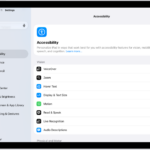
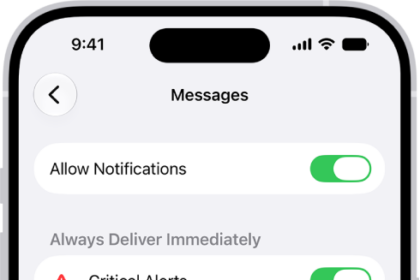
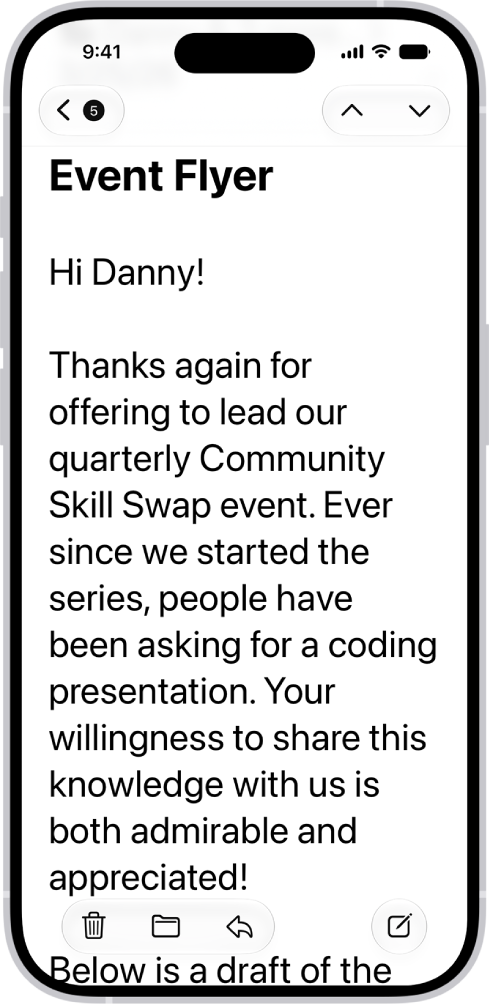
On iPhone, you can make onscreen elements, like controls, buttons, and the Control Center, easier to see by adding a border around them. It’s a single setting called Show Borders, and you’ll find it in Display & Text Size, in your Accessibility settings.

  1. Start the Settings app on your iPhone.
  2. Tap Accessibility, then tap Display & Text Size.
  3. Turn on Show Borders.
Staff Writer
Follow:
Kristina is a staff writer at GeeksChalk, and is interested in all things Apple. This includes its best products such as the iPad, iPhone, Mac, AirPods, and Apple Watch. When she's not tinkering with the latest Apple gear, you’ll find her watching movies, taking pictures and exploring the great outdoors.
Leave a Comment