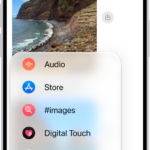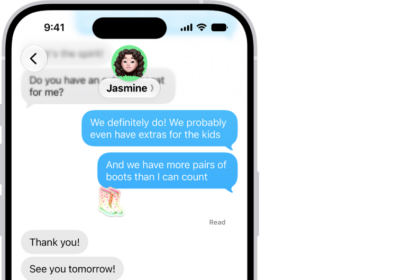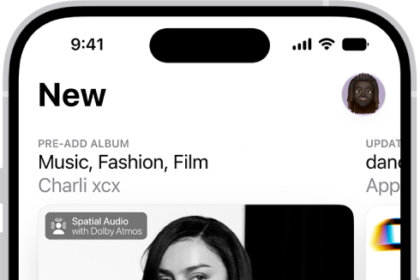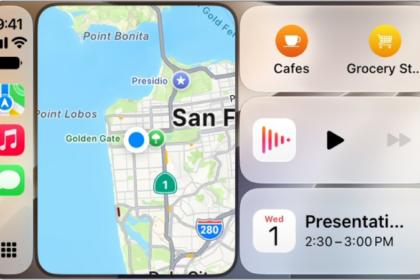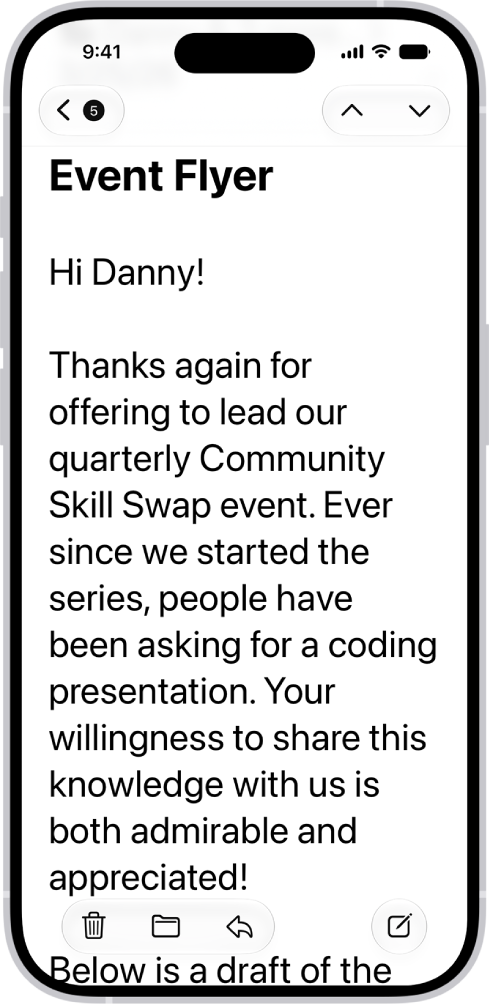
You can increase the size of text on your iPhone, make the text bold, choose your preferred look for Liquid Glass, and magnify the entire screen.
Liquid Glass can have more tint or be more clear, though if Reduced Transparency or Increased Contrast is on, you’ll need to turn them off first. And if you want to increase text size further or bump up the contrast, there are more options in Display & Text Size, so it’s easier to read your screen.
Adjust the text size
- Open the Settings app on your iPhone.
- Tap Appearance, then tap Text Size.
- Drag the slider left or right to change the text size.
Make the text bold
- Open the Settings app on your iPhone.
- Tap Appearance, then turn on Bold Text.
Choose your preferred look for Liquid Glass
- Open the Settings app on your iPhone.
- Tap Appearance, then tap Liquid Glass.
- Drag the slider to the right to increase the tint of Liquid Glass, and to the left to make Liquid Glass more clear.
Note: You can’t change the look for Liquid Glass while Reduced Transparency or Increased Contrast is turned on in Accessibility settings, so turn them off first.
Magnify the entire iPhone screen
- Open the Settings app on your iPhone.
- Tap Appearance and tap Display Zoom. Then tap Larger Text.
- Tap the Done button, then tap Use Zoomed.
If you want to increase text size further, bump up the contrast, or make additional adjustments so it’s easier to read your screen, open the Settings app, tap Accessibility, then tap Display & Text Size.