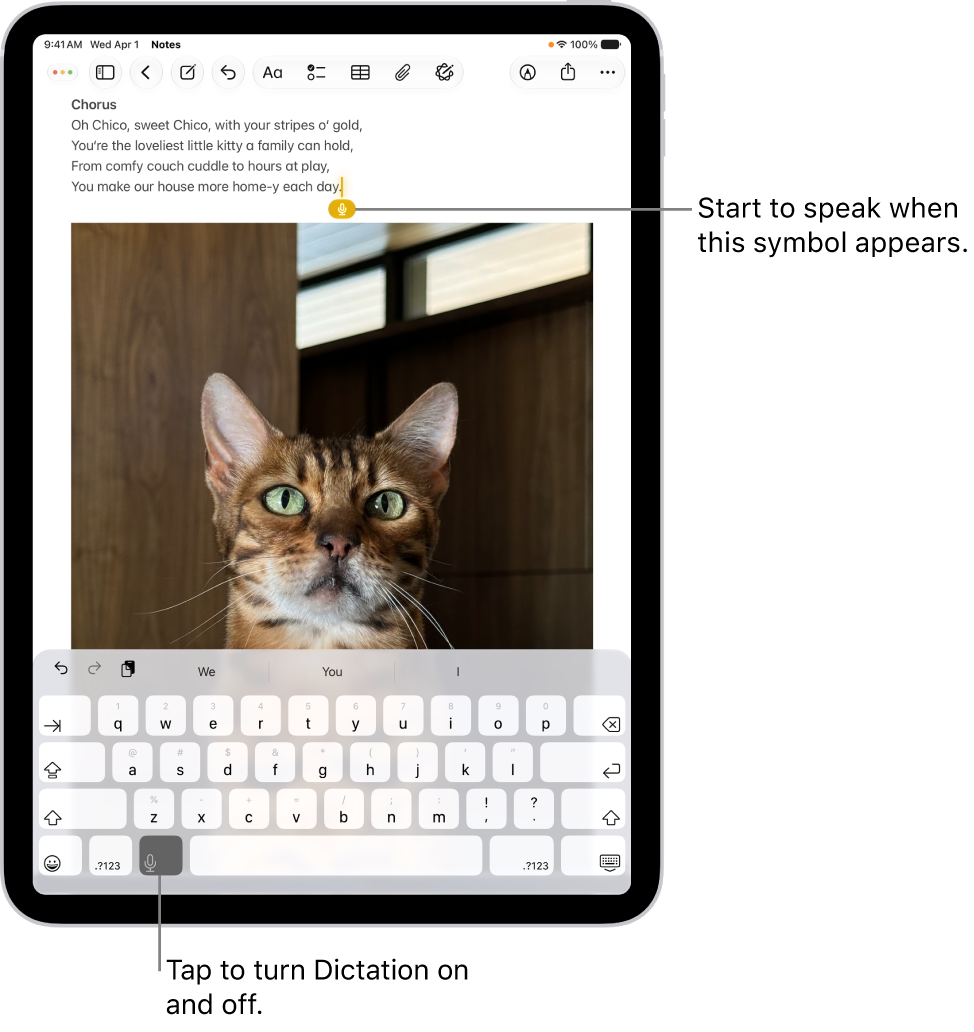
On iPad, you can dictate text instead of typing it on an Apple external keyboard. As you speak, iPad automatically inserts punctuation for you, and you can insert emoji by saying their names, like “mind blown emoji” or “happy emoji.” You can also switch between keyboards with iPad.
Note: Dictation may not be available in all languages or in all countries or regions, and features may vary. Cellular data charges may apply (Wi-Fi + Cellular models).
- Open Settings, tap General and tap Keyboard. Then turn on Enable Dictation.
- Tap the Dictation button in the Shortcuts bar (at the bottom of the screen) and then speak.
As you speak to insert text, iPad automatically inserts punctuation for you. You can insert emoji by saying their names (for example, “mind blown emoji” or “happy emoji”).
- When you finish, tap the Keyboard button at the bottom of the screen.
Quick tip: On the Magic Keyboard for iPad or Smart Keyboard, press the Switch Keyboard key-D to quickly switch to dictation.
See also