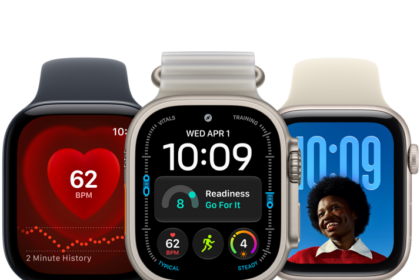
On supported models, Apple Watch can detect when you start washing your hands and encourage you to keep going for 20 seconds, the time recommended by global health organizations.
It starts a 20-second timer when it detects handwashing, and if you stop early, you’re encouraged to finish.
Turn on Handwashing
- Start the Settings app on your Apple Watch.
- Tap Handwashing and turn on Handwashing Timer.
Apple Watch starts a 20-second timer as soon as it detects that you’ve started washing your hands. Stop washing in less than 20 seconds, and your watch encourages you to finish the job.
To see a report of your average handwashing times, go to the Health app on your iPhone, tap Browse, tap Other Data, then tap Handwashing.
See also