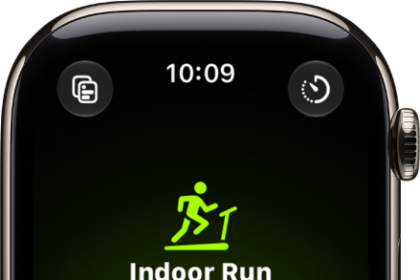
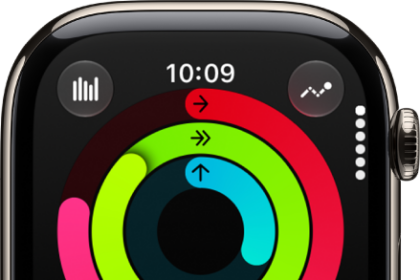
Your Apple Watch can pair and sync data with compatible cardio equipment such as treadmills, ellipticals, indoor bikes, and more, providing you with more accurate information about your workout. Look for “Connects to Apple Watch” on the equipment, and you’re set.
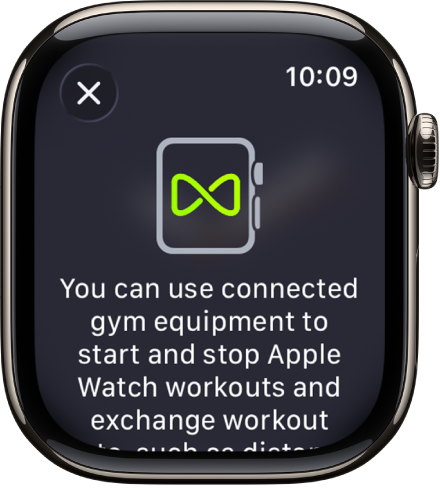
- Check if the equipment is compatible—you’ll see Connects to Apple Watch or Connect to Apple Watch on the equipment.
- Make sure your watch is set to detect gym equipment—open the Settings app on your Apple Watch and tap Workout. Turn on Detect Gym Equipment.
- Hold your Apple Watch within a few centimeters of the contactless reader on the gym equipment, with the display facing the reader.
A gentle tap and beep confirm that your Apple Watch is paired.
- Press Start on the gym equipment to begin. Press Stop on the equipment to end the workout.
If Detect Gym Equipment is off in Settings on your Apple Watch, go to the Workout app, then hold your Apple Watch near the contactless reader on the gym equipment, with the display facing the reader.
See also