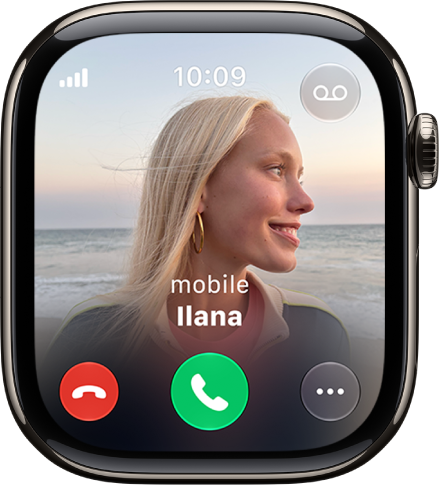
On Apple Watch, instantly mute incoming calls, stop timers, and dismiss notifications and alerts by covering the display. You can also mute and dismiss notifications with a wrist flick.
It’s easy. Cover to Mute works on alerts like an incoming phone call or an expired timer, and a haptic tap confirms the notification is muted. Both gestures are on by default, and you can still take follow-up action, like answering the phone call.
Cover the display to temporarily mute an alert
Rest the palm of your hand on the display for at least 3 seconds to quickly silence an alert—such as an incoming phone call or when a timer expires. A haptic tap confirms the notification is muted. You can still take follow-up action such as answering the phone call or resetting the timer.
By default, Cover to Mute is turned on. To turn it off, go to the Settings app on Apple Watch, then tap Gestures.
Perform a wrist flick to mute and dismiss notifications
A quick turn of your wrist, over and back, dismisses anything and returns you to the watch face. When your hands are full, you can still mute incoming calls, stop timers, dismiss notifications, and more.
By default, Wrist Flick is turned on. To turn it off, go to the Settings app on Apple Watch, then tap Gestures.
If you need to silence notifications for an extended period, you can turn on Silent Mode, Do Not Disturb, or another mode in Control Center. For details, see our guide, Silence notifications for extended periods on Apple Watch.
See also