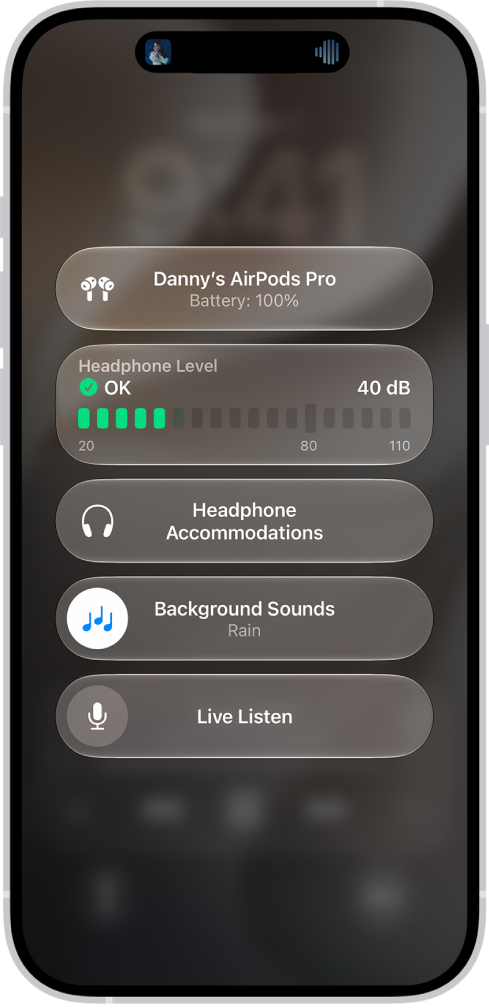
With supported AirPods, you can use Mono Audio, rather than stereo sound, to play the same content in both ears. It works when you use your AirPods with iPhone, iPad, Mac, or Apple Watch, and on a Mac, it’s called “Play stereo audio as mono.” You can’t use Spatial Audio and head tracking with Mono Audio, though.
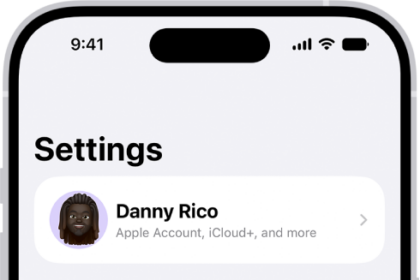
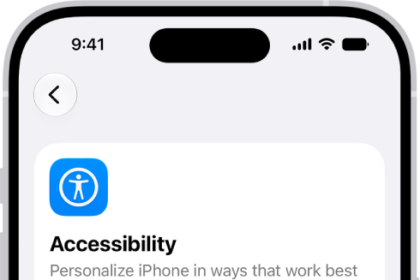
- iPhone or iPad: Go to the Settings app, then tap Accessibility. Tap Audio & Visual, then turn on Mono Audio.
- Apple Watch: Go to the Settings app, tap Accessibility, then turn on Mono Audio below Hearing.
- Mac: Go to the System Settings app, then click Accessibility in the sidebar. Click Audio, then turn on “Play stereo audio as mono.”
Note: Spatial Audio and head tracking aren’t available when you use Mono Audio.
See also