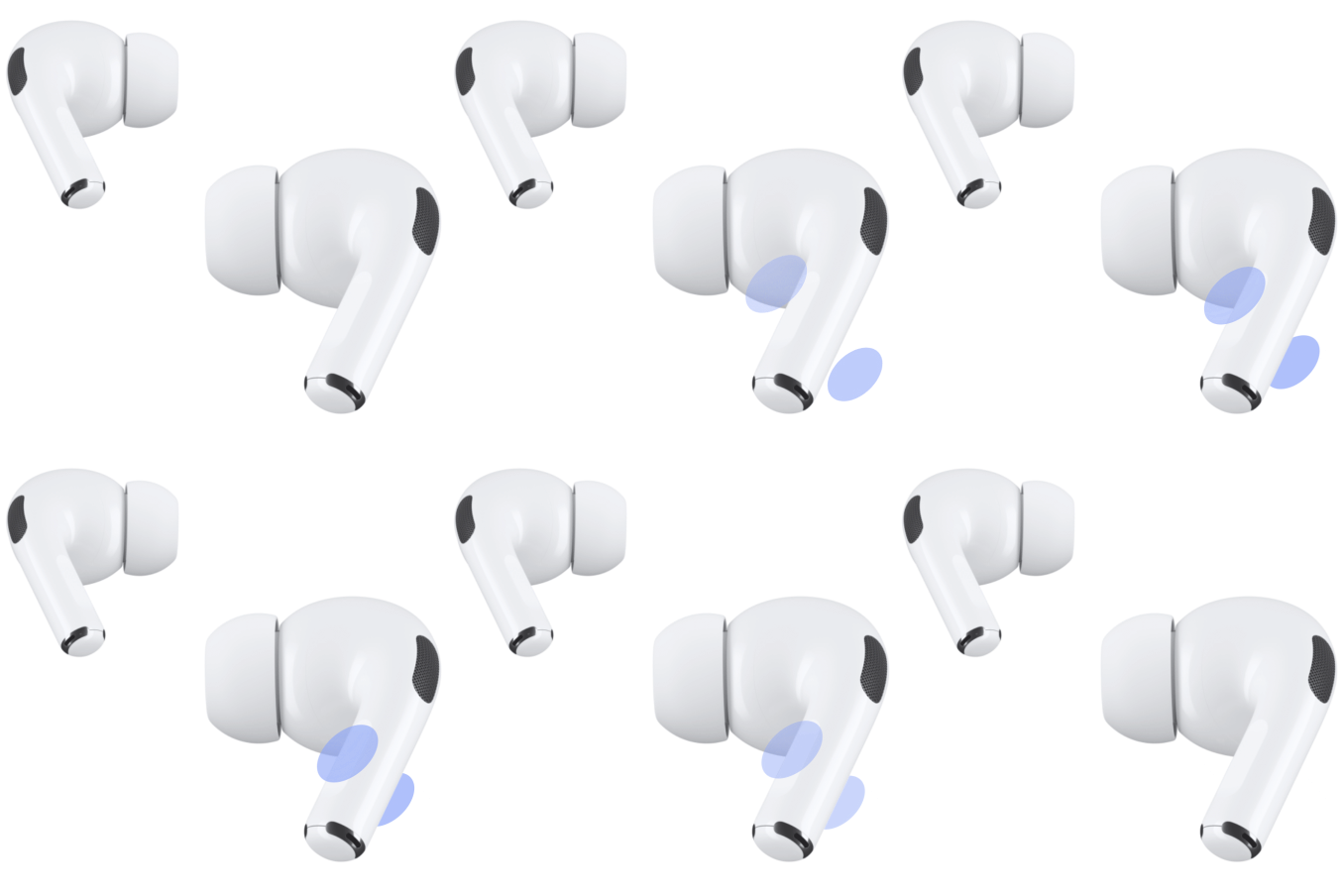
This guide helps you get started using your AirPods with your other Apple devices. For every model, you’ll see when it was released, how its controls work, and what it comes with, like a wireless charging case, a Smart Case and USB-C connector, or silicone ear tips so you can customize your fit.
AirPods 1
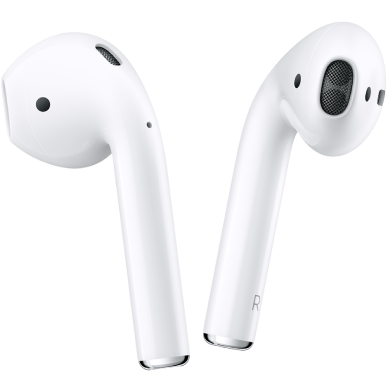
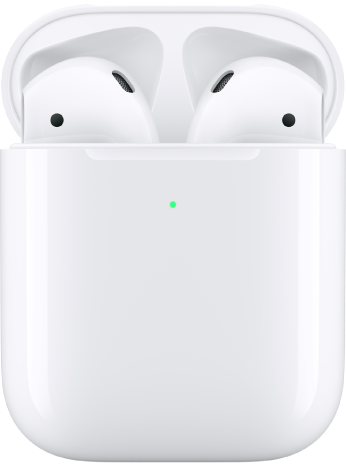
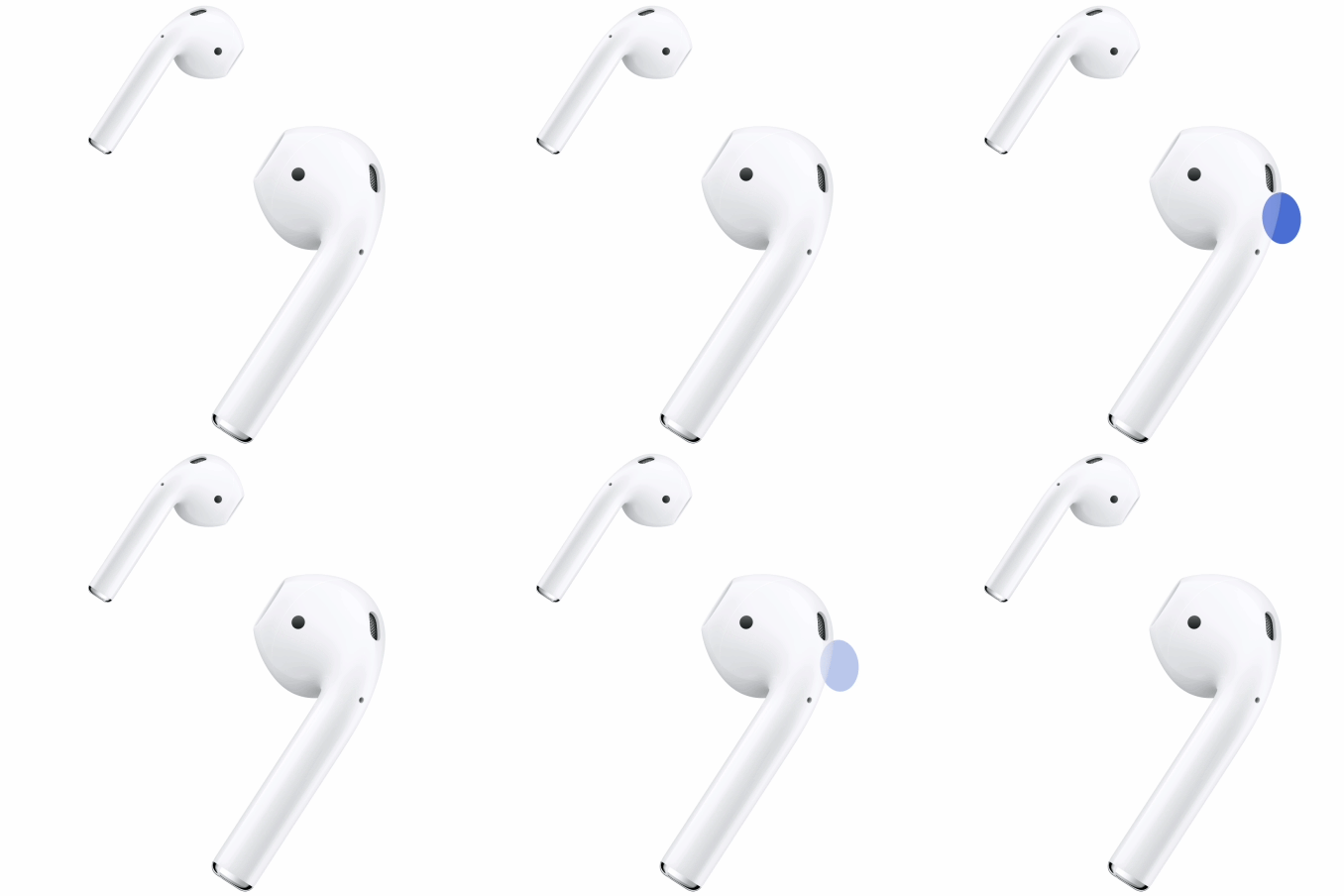
AirPods 1 were released in 2017. You can customize the double-tap for each of your AirPods to quickly play or pause audio, or to activate Siri. These AirPods come with a charging case.
AirPods 2
AirPods 2 were released in 2019. You can customize the double-tap for each of your AirPods to quickly play or pause audio, or to activate Siri. These AirPods come with a wireless or wired charging case.
AirPods 3
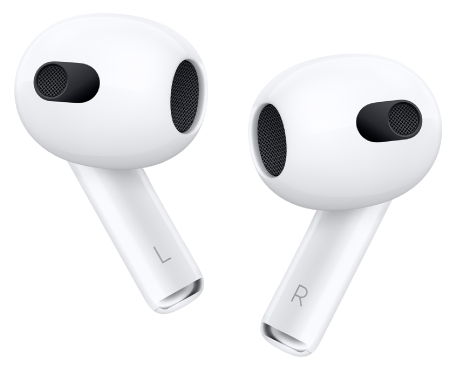
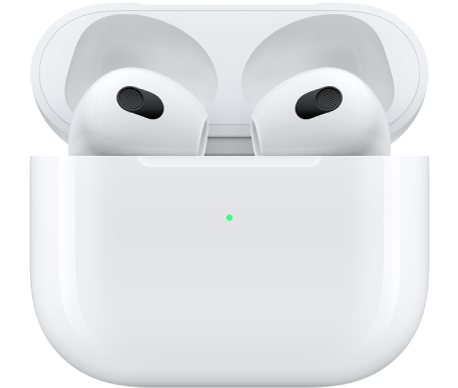
AirPods 3 were released in 2021. You can press the force sensor on the stem of either of your AirPods to quickly play or pause audio. You can also use your voice or press and hold the force sensor to activate Siri. These AirPods come with a wireless or wired charging case.
AirPods 4
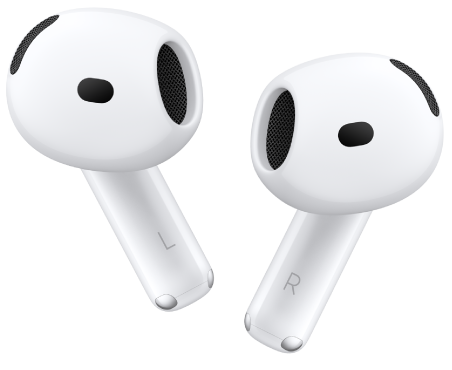
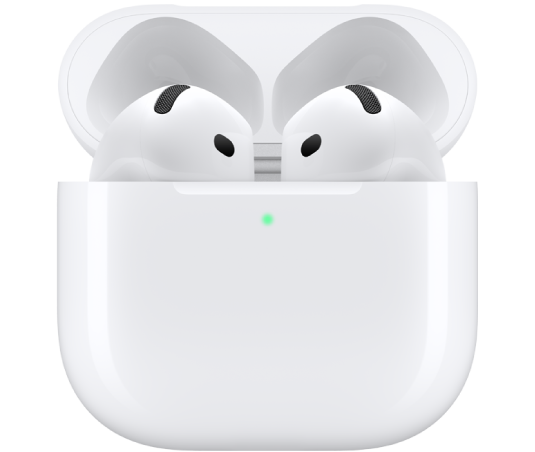
AirPods 4 were released in 2024. You can press the force sensor on the stem of either of your AirPods to quickly play or pause audio. You can also use your voice or press and hold the force sensor to activate Siri. These AirPods come with a wired charging case. Unlike charging cases for previous models, the charging case doesn’t have a button on the back.
AirPods 4 with Active Noise Cancellation
AirPods 4 with Active Noise Cancellation (ANC) were released in 2024. You can press the force sensor on the stem of either of your AirPods to quickly play or pause audio. You can also use your voice or press and hold the force sensor to activate Siri. These AirPods come with a wireless charging case with an external speaker on the bottom to indicate charging and battery status. Unlike charging cases for previous models, the charging case doesn’t have a button on the back.
AirPods 5
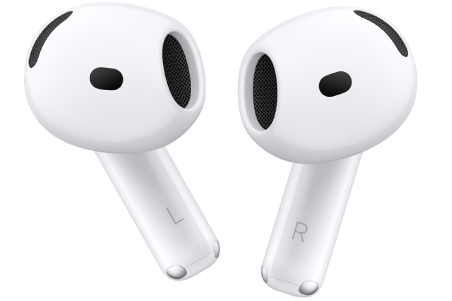
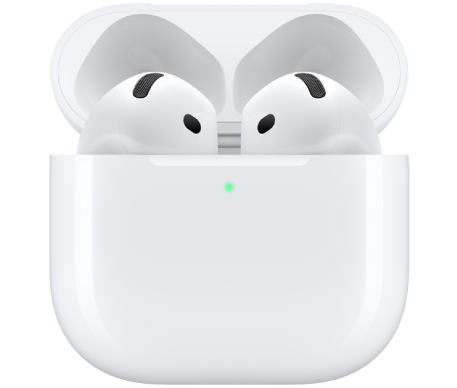
AirPods 5 were released in 2026. You can press the force sensor on the stem of either of your AirPods to quickly play or pause audio. You can also press and hold the force sensor to switch between Active Noise Cancellation, Transparency mode, and Adaptive Audio. These AirPods come with a USB-C charging case.
AirPods 5 with Wireless Charging Case
AirPods 5 with Wireless Charging Case were released in 2026. You can press the force sensor with volume swipe on the stem of either of your AirPods to quickly play or pause audio, and lightly swipe up or down to control the volume. You can also press and hold the force sensor with volume swipe to switch between Active Noise Cancellation, Transparency mode, and Adaptive Audio. These AirPods come with a wireless charging case with an external speaker on the bottom to indicate charging and battery status.
AirPods Pro 1
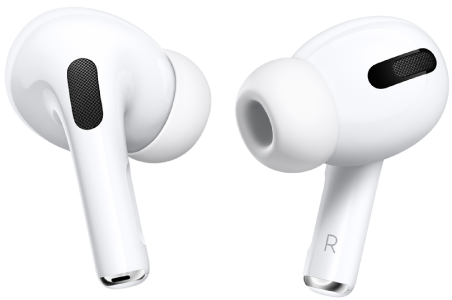
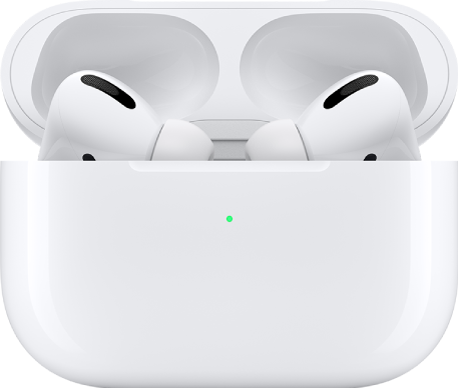
AirPods Pro 1 were released in 2019. You can press the force sensor on the stem of either of your AirPods to quickly play or pause audio. You can also use your voice or press and hold the force sensor to activate Siri. These AirPods come with a wireless charging case, and three sizes of silicone ear tips so you can customize your fit.
AirPods Pro 2
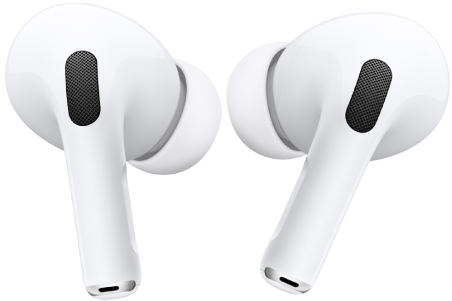
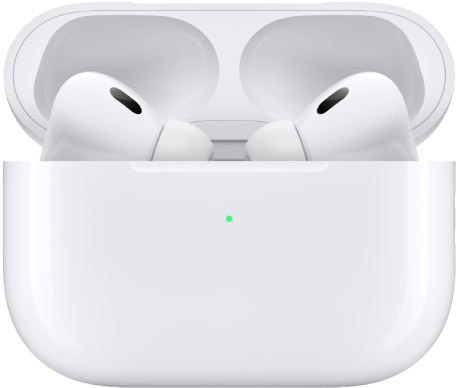
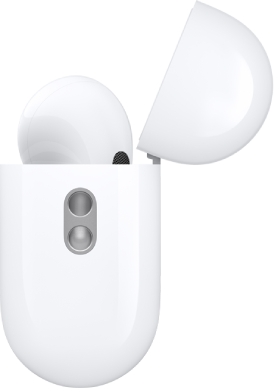
AirPods Pro 2 were released in 2022. You can press the force sensor with volume swipe on the stem of either of your AirPods to quickly play or pause audio, and lightly swipe up or down to control the volume. You can also use your voice or press and hold the force sensor with volume swipe to activate Siri. These AirPods come with four sizes of silicone ear tips so you can customize your fit.
On the bottom of the wireless charging case, an external speaker indicates charging and battery status, and there’s a lanyard loop for a carrying strap. It comes with either a Lightning or a USB-C connector.
AirPods Pro 3
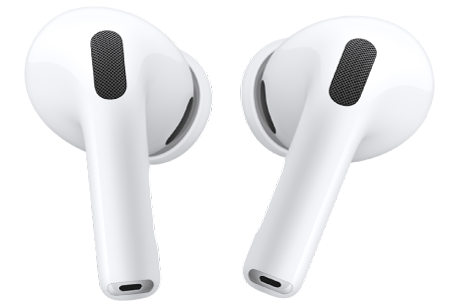
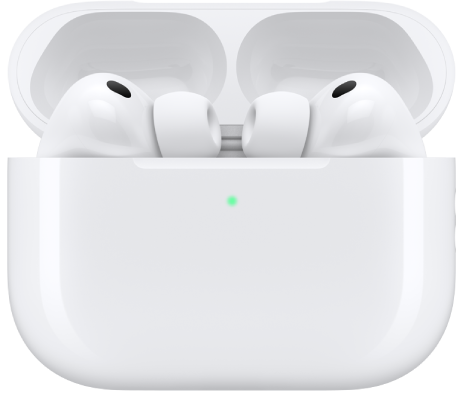
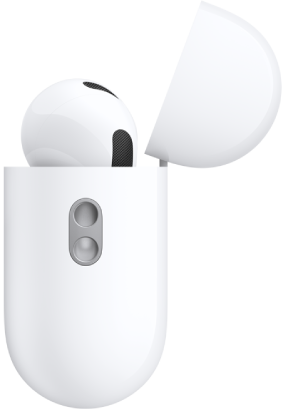
Released in 2025, AirPods Pro 3 were redesigned with sound quality, audio performance, and fitness specifically in mind, and they feature in-ear heart rate sensors. On AirPods Pro 3, the silicone ear tips contain a layer of soft foam and turn slightly inward, helping the heart rate sensors make contact with the skin of your ear. And since these AirPods Pro come with five ear tip sizes, it’s even easier to get a personalized fit.
An external speaker on the bottom of the wireless charging case indicates charging and battery status. It has a USB-C connector and a lanyard loop for a carrying strap, too, but unlike charging cases for previous models, there’s no button on the back.
AirPods Max 1
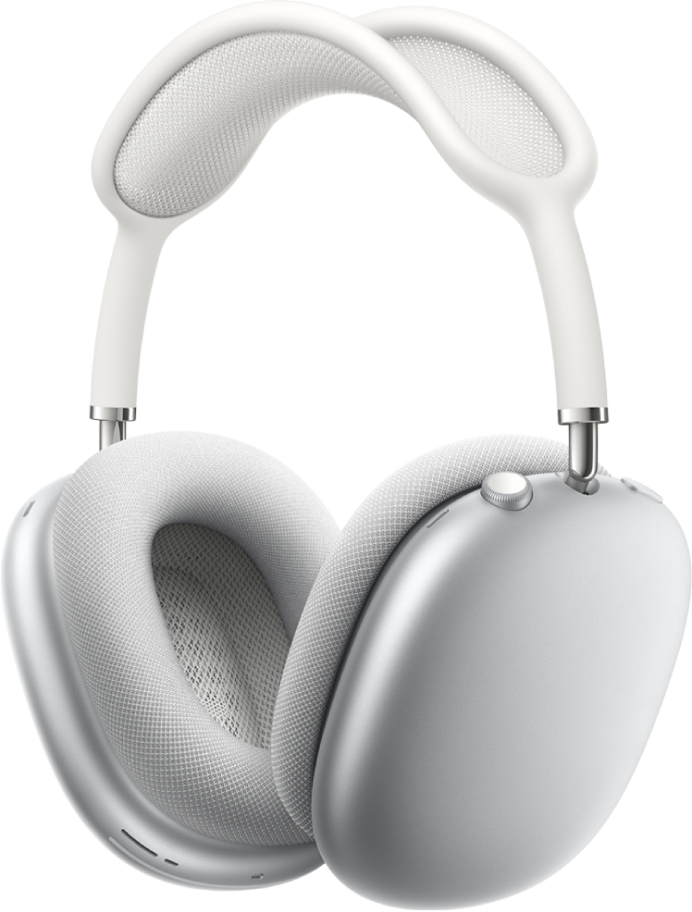
AirPods Max 1 were released in 2020. You can use your voice or press and hold the Digital Crown to activate Siri. You can also press the Digital Crown to quickly play or pause audio. These AirPods come with a Smart Case, and with either a Lightning or USB-C connector.
AirPods Max 2
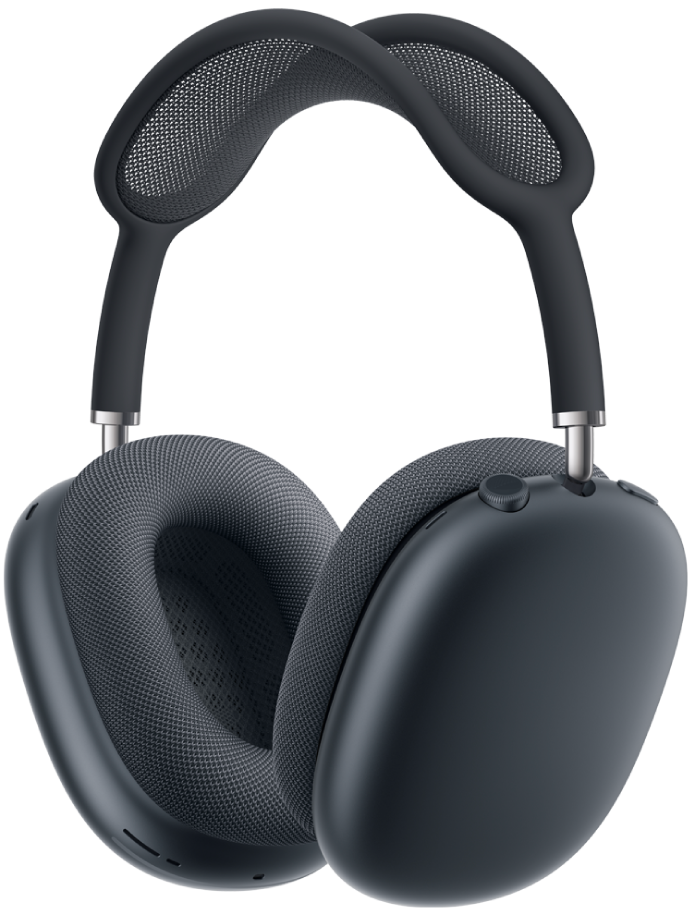
AirPods Max 2 came out in 2026. With Adaptive Audio and Conversation Awareness support, AirPods Max 2 adjust sound based on your surroundings and lower your music’s volume when you start talking to someone. Thanks to Head Gestures, accepting or declining calls and interacting with Siri is easier than ever. A Smart Case and USB-C connector come with these AirPods.
This guide is for iOS 27, iPadOS 27, macOS 27, tvOS 27, watchOS 27, or later.
See also