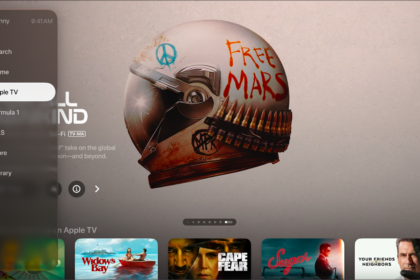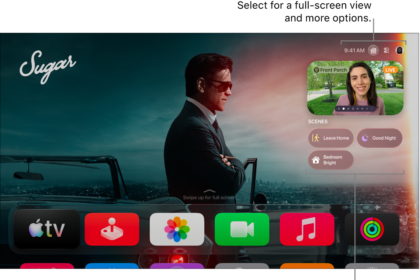
You can use Siri on a HomePod, iPhone, or iPad to play items or open apps on Apple TV 4K. Say you’re in the dining room. You can ask Siri on that HomePod to get a movie or TV show started on Apple TV 4K in the living room.
When you make your request, just reference “TV.” If you’re in a different room, use the room name that you assigned Apple TV 4K in the Home app on your iPhone or iPad.
Siri: On your HomePod, iPhone, or iPad, say something like:
- “Play ‘Ted Lasso’ on the TV”
- “Play ‘Uptown Funk’ on the living room TV”
- “Watch Season 1, Episode 5 of ‘The Mosquito Coast’ in the living room”
- “Open HBO Max on the TV”
Not all features and content are available in all countries or regions or on all Apple TV hardware models.
See also