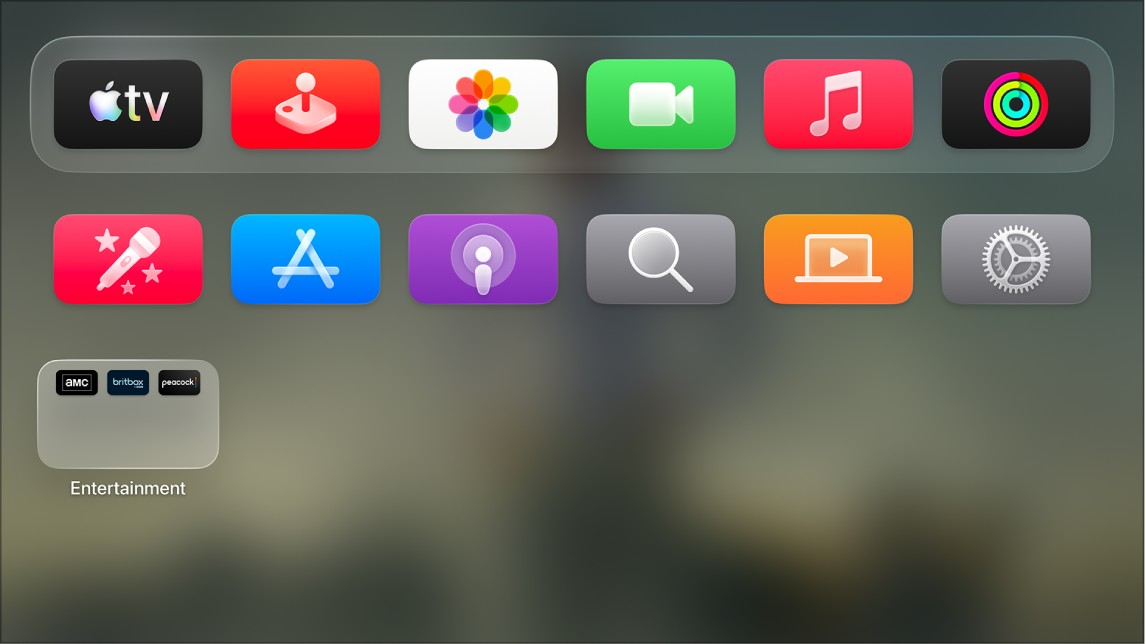
You can make text on Apple TV 4K easier to read by displaying onscreen text with boldface type, changing the text size, or both. Bold Text, when it’s on, displays onscreen text with boldface type, and Text Size lets you pick your preferred text reading size. Apps that support Dynamic Type adjust to it automatically.
- Go to Settings on Apple TV 4K.
- Go to Accessibility > Display and then adjust either or both of the following:
- Bold Text: Turn on to display onscreen text with boldface type.
- Text Size: Select to adjust the slider for your preferred text reading size.
Apps that support Dynamic Type automatically adjust to the Text Size setting.
Not all features and content are available in all countries or regions or on all Apple TV hardware models.