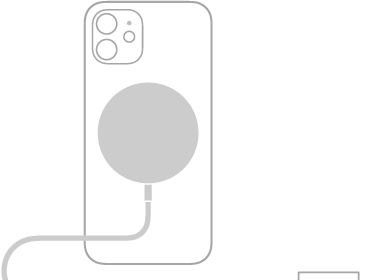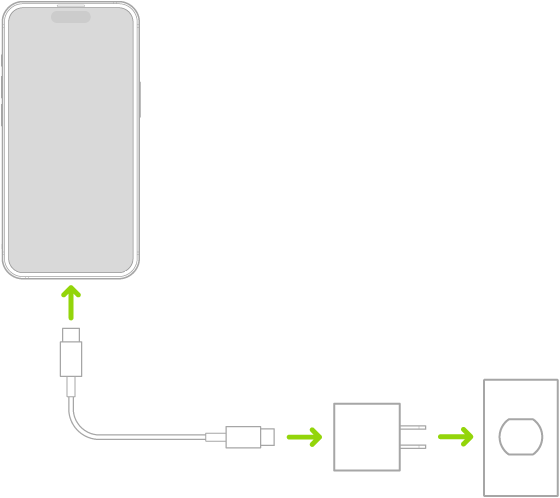
Your iPhone includes one of two charging cables: a USB-C Cable or a USB-C to Lightning Cable. With either one, you can plug iPhone into a power outlet using a compatible power adapter (sold separately), and your computer’s USB-C port works for charging, transferring files, and more.
Depending on the model, your iPhone comes with one of these charging cables:
USB-C Cable
With a compatible power adapter (sold separately) and the included cable, iPhone connects to a power outlet. The included cable also connects to your computer’s USB-C port for transferring files, charging, and more.
USB-C to Lightning Cable
Plug iPhone into a power outlet with the included cable and a compatible power adapter, sold separately. You can also use the included cable with your computer’s USB-C port to charge, transfer files, and more.