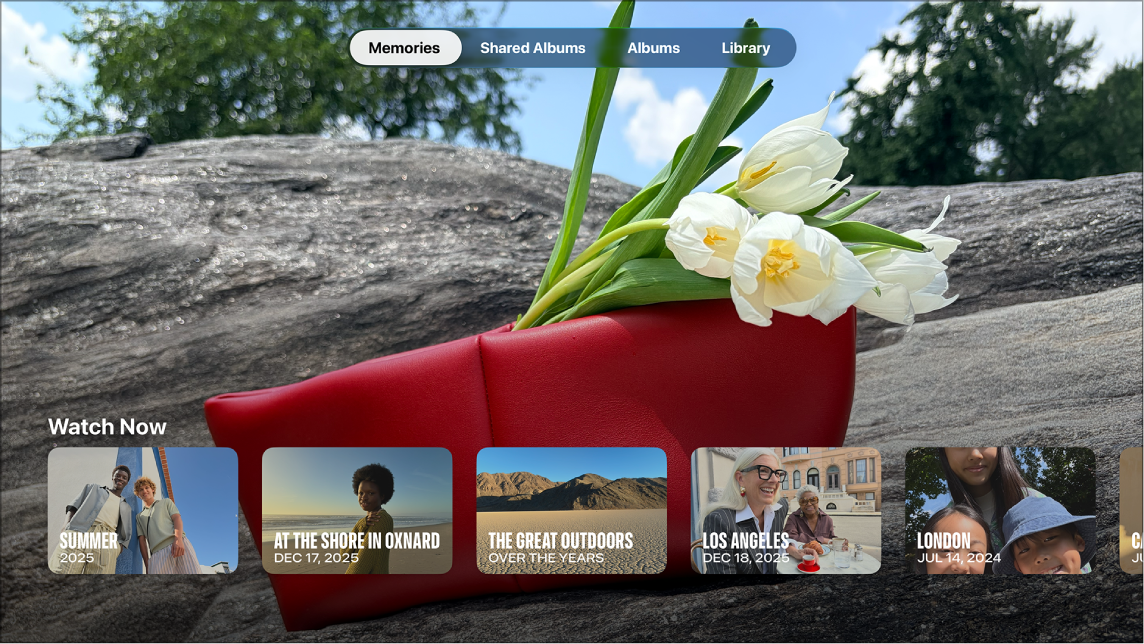
You can view your shared photos and albums as a slideshow on Apple TV 4K, and you can shuffle photos to show them in random order, repeat photos to play the slideshow continuously, or apply a different style with a theme. You’re also able to choose how long to display each photo and the transition effect used between them.
- Go to the Photos app on Apple TV 4K.
- Go to Shared Albums or Albums at the top of the screen.
- Select an album, then select Play Slideshow.
- Adjust any of the following settings:
- Shuffle Photos: Turn on to show your photos in random order.
- Repeat Photos: Turn on to play the slideshow continuously.
- Theme: Select a slideshow theme to apply a different style to your slideshow.
- Time Per Slide: Select how long to display each photo on the screen.
- Transition: Select the transition effect used between photos.
- Select Start Slideshow.
Not all features and content are available in all countries or regions or on all Apple TV hardware models.
See also