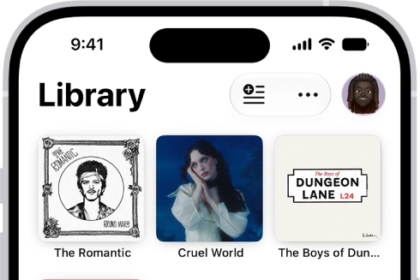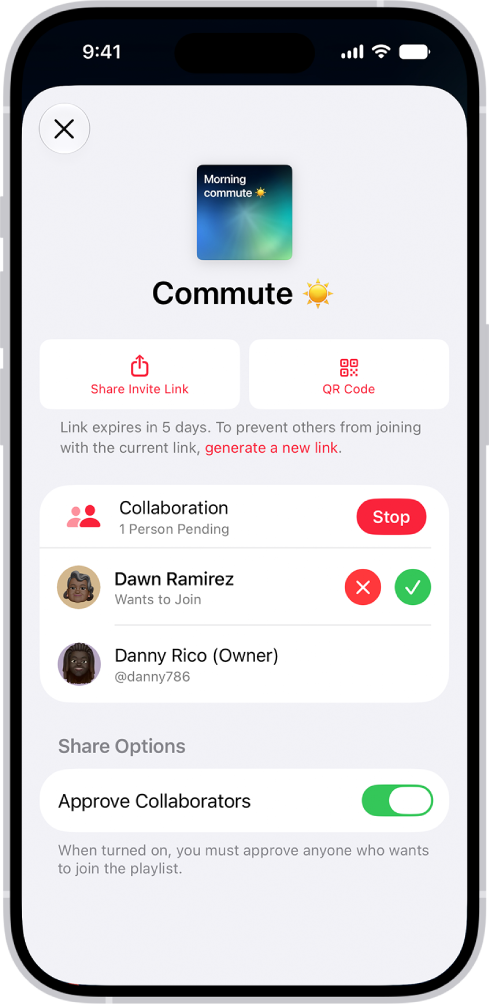
On iPhone, if you subscribe to Apple Music and someone invites you to collaborate on a playlist, you can join it from the link you received. Then you can add, remove, or reorder music in the collaborative playlist, react to songs with emoji, and invite others with a link.
Note: Apple Music isn’t available in all countries or regions.
- On your iPhone, tap the link you received. Tap Join or Request to Join (if the owner of the collaborative playlist must approve you first).
- Do any of the following:
- Add a song, change the order of songs, or remove an item
- React to a song with emoji
- Invite others with a link: Tap Share Invite Link.
Note: You can share the link if you own the collaborative playlist, or if its owner hasn’t turned on Approve Collaborators.