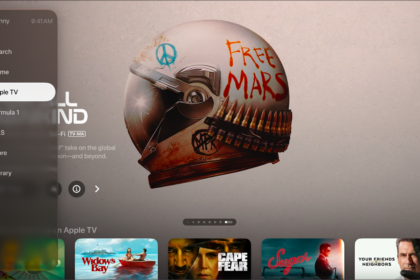
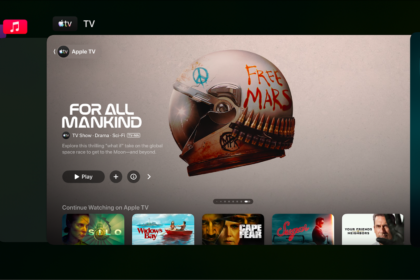
Control Center on Apple TV 4K gives you quick access to settings and controls for switching profiles, playing music, putting Apple TV 4K to sleep, and more. It opens on the general settings tab, and you’ll find additional tabs to the left and right. Which tabs are available depends on which features are currently active.

- Press and hold the TV button on your remote to open Control Center.
The general settings tab opens. See Adjust general settings in Control Center on Apple TV 4K.
- Navigate left and right to access additional tabs.
The tabs available depend on which features are currently active. See Tab icons in Apple TV 4K Control Center.
- Press the Back button or the Menu button on your remote to close Control Center.
Not all features and content are available in all countries or regions or on all Apple TV hardware models.
See also