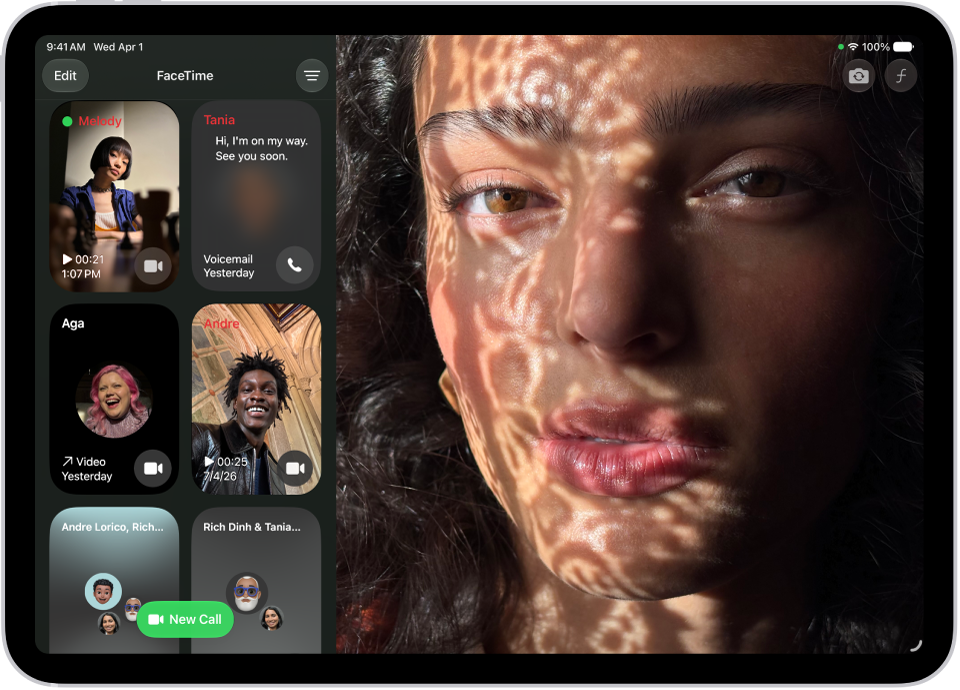
On iPad, you can control how FaceTime handles calls from unknown numbers and suspected spam. You can screen unknown FaceTime audio calls to get more information from callers, or silence unknown callers so their calls go to voicemail. Missed calls from unknown numbers and spam calls can also be filtered into their own lists.
Screen unknown FaceTime audio calls
By screening FaceTime audio calls from unknown numbers, you get more information from callers before the call comes through. Read our article, Screen and block calls.
Silence or filter FaceTime calls
- Start the Settings app on your iPad.
- Tap Apps, then tap FaceTime.
- Do any of the following:
- Silence unknown callers: Turn on Silence Unknown Callers. Calls from unknown numbers are silenced, sent to voicemail, and displayed on the Recents list. Incoming calls will continue to ring from people in your contacts, recent outgoing calls, and Siri Suggestions.
- Filter calls from unknown numbers: Turn on Unknown Callers. Missed calls and voicemails from unknown numbers are moved to the Unknown Callers list in your call history (tap the Filter button to see the list).
- Filter calls identified as spam: Turn on FaceTime Spam. Spam calls are silenced and moved to the Spam list in your call history (tap the Filter button to see the list).
See also