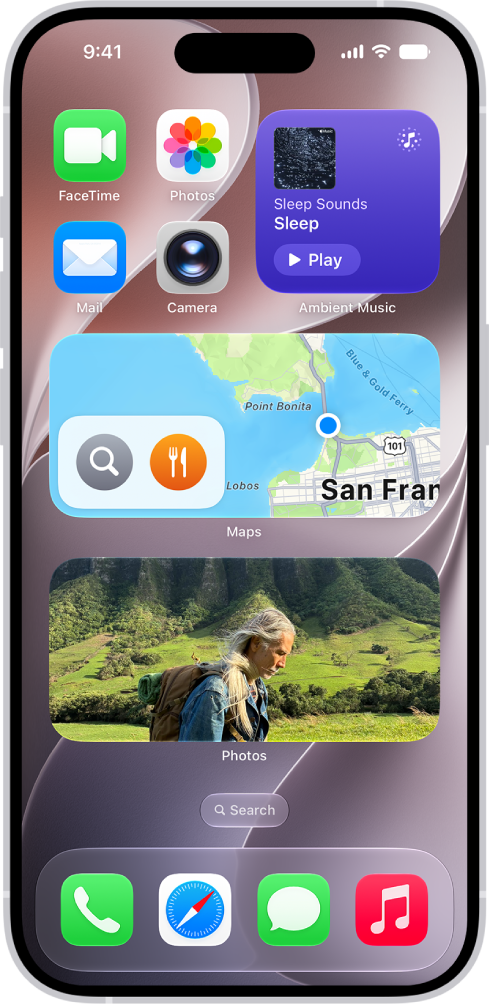
How to use News widgets on iPhone

You can use the Today and Topic widgets from News on iPhone to check top and trending stories, or stories on a topic you choose.

By Dave Johnson - Senior Staff Writer
0 Min Read

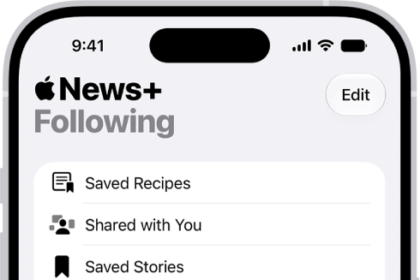
On iPhone, you can easily check the day’s top and trending stories from the News app, as well as stories about a topic of your choosing, right from the Today or Topic widget. Any story headline in the widget opens the story in News, so you can read it in full.

Access stories from News widgets

In the Today or Topic widget, tap a story headline to open the story in News.
TAGGED:
Senior Staff Writer
Follow:
Dave Johnson is a staff writer for GeeksChalk based in New Jersey. He covers news, how-tos, and user guides for iPhone, iPad, Mac, and Apple Watch.
Leave a Comment