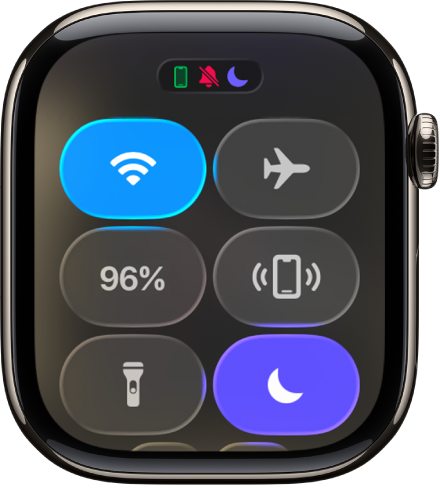
You can use Apple Watch to shine a light on a door lock at night, alert others when you’re out for an evening run, or illuminate nearby objects.
There are three modes: steady white light, flashing white light, or steady red light. You adjust the brightness by turning the Digital Crown.
Here’s how to use the flashlight on Apple Watch.
Turn on the flashlight
- Press the side button to open Control Center on Apple Watch.
- Tap the Flashlight button.
- Do any of the following:
- Change the light: Swipe left or right to choose a mode—steady white light, flashing white light, or steady red light.
- Adjust the brightness: Turn the Digital Crown.
Turn off the flashlight
Do any of the following:
- Press the Digital Crown.
- Swipe down from the top of the watch face.
See also