On iPad, in the Apple TV app, you can stream TV shows, movies, sports, and more, like Friday Night Baseball and Major League Soccer with an Apple TV subscription in some countries and regions. You can also download movies and episodes, or even a full season of a TV show.
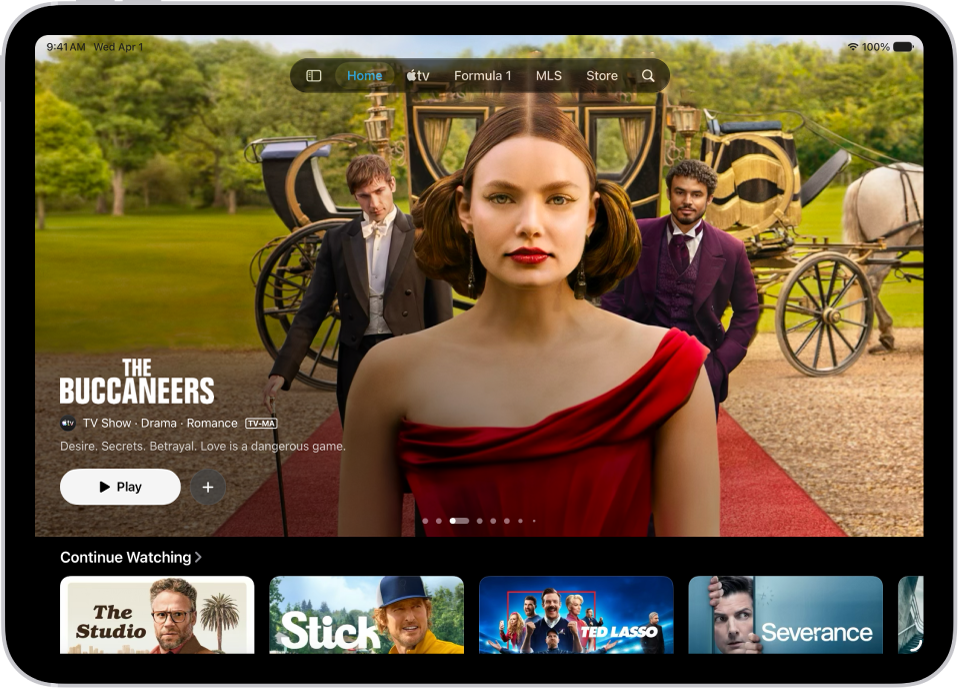
Subscription required for Apple TV, which in some countries and regions may include some or all of the following: Friday Night Baseball, Major League Soccer (MLS), and Formula 1. Not all features and content are available in all countries or regions, Apple notes. Apple TV subscription does not include third-party branded subscription services or content available for rental or purchase in the Apple TV app.