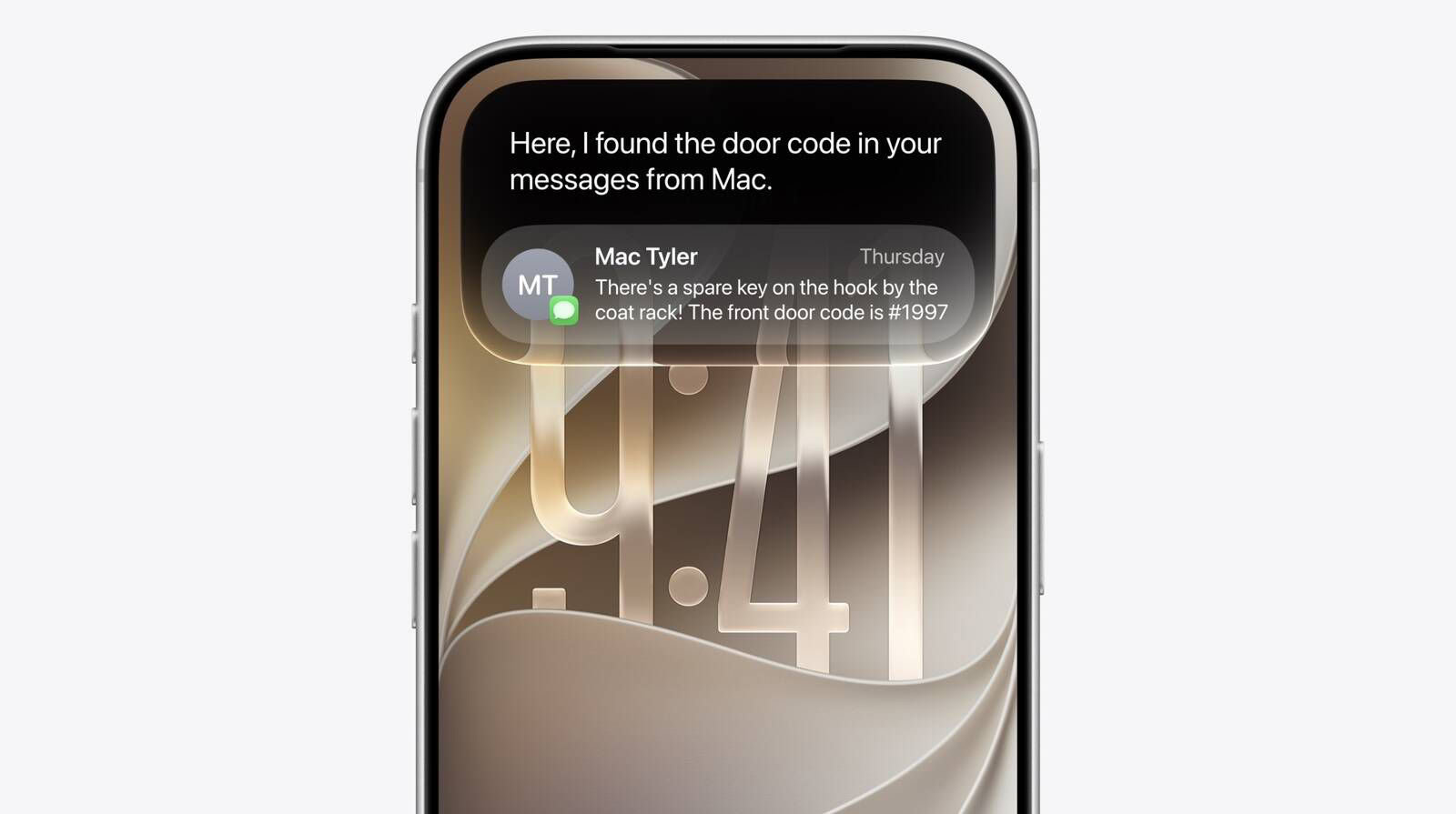
In iOS 27, you can now upload a file or photo to Siri and ask anything you want to know about the attachment. A new Search or Ask interface replaces Spotlight search, and it can be accessed by swiping down from the top center of the display. Spotlight and Siri have been unified in the same UI, so you can still quickly launch apps and documents via search in addition to asking questions. A "+" Plus button lets you add images or documents to your conversation with Siri AI. Here’s how to upload a file or photo to Siri in iOS 27.
How to Upload a File or Photo to Siri AI in iOS 27
- Swipe down from the top center of the display to launch Siri AI.
- Tap the Plus icon inside the Siri AI chat screen.
- Select the file, photo, or document you want to upload to Siri AI.
- Locate the text field and type the information you want to know about the attachment.
- Send your request.
An animation is displayed as the assistant is thinking, and then the Siri bubble expands into a short response. If you swipe down on a response, it brings up a text bar where you can provide clarification or ask another question.
Besides uploading files or photos to Siri AI, you can ask the assistant about what is on your screen. Siri can tell what you’re looking at, read text, and analyze images from any screen on your iPhone.
Siri can tell you where a photo was taken if there’s something recognizable in it, and you can ask questions about any app you’re in without having to provide specifics.
- Where was this photo taken?
- What is this?
Siri works in any app. You can select text or images, then ask Siri about the selection. If you see an image in Safari you want to know more about, you can long press it to select and then ask Siri whatever you want about it.