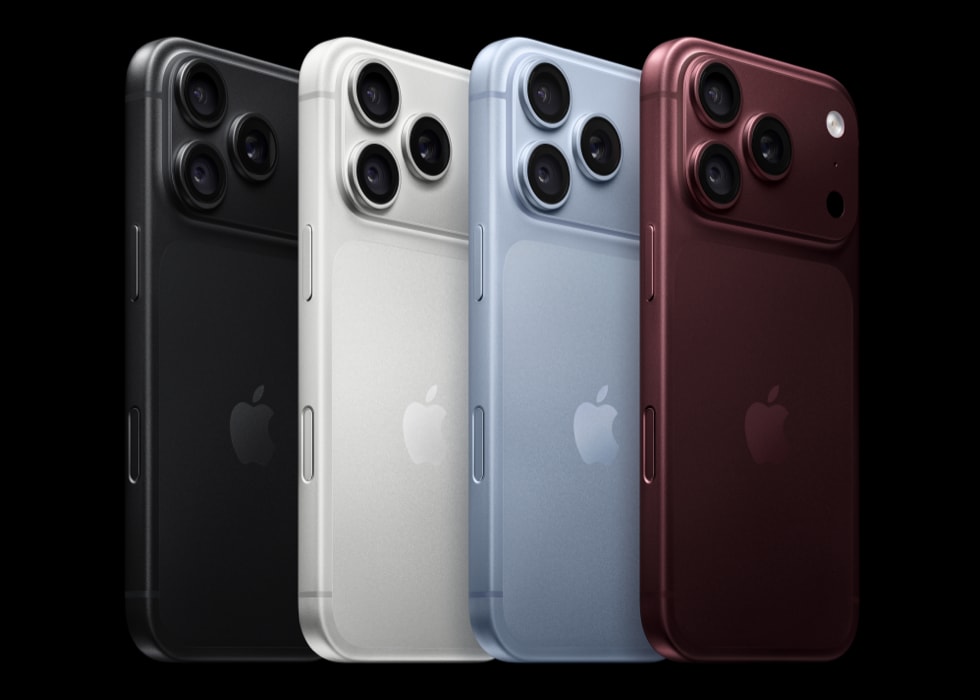
A lot of users who upgraded to iPhone 18 Pro from previous iPhone models were quick to realize that their iPhone 18 Pro is different than their previous one. Users have noticed that their new iPhone 18 Pro is overheating abnormally while it’s charging. Some even say the iPhone becomes really hot, making it very uncomfortable to touch.
It is normal for your iPhone to get warm when it is being charged. But it is never supposed to get hot. It also appears that the issue also affects the higher-end and pricier variant – the iPhone 18 Pro Max.
Why iPhone 18 Pro gets hot while charging
The culprit could be anything from a fast charger, an overcharged phone or trapped heat in a poorly ventilated room. Whatever the reason behind your iPhone 18 Pro overheating while charging issue, it’s important to address heat-related issues ASAP to prolong battery performance and health.
What your iPhone does on its own when it gets too warm
Apple says that when your iPhone becomes too warm, iOS may automatically slow down or pause charging, to preserve the battery’s long-term health and keep it operating safely. You might see a message on the Lock Screen such as “Charging On Hold. Charging will resume when iPhone returns to normal temperature.” Charging then resumes by itself once the battery is back in a safe temperature range.
These protections work whether you charge with a cable, a MagSafe Charger or another wireless charger, and they are automatic — they can’t be turned off. Apple recommends charging your iPhone somewhere between 32° and 95° F (0° and 35° C). Apple also advises avoiding direct sunlight and hot spaces, like a car on a sunny day, and removing your case if your iPhone tends to heat up while charging.
How to fix iPhone 18 Pro overheating while charging
It’s worth mentioning that your iPhone 18 Pro may heat up within the initial 24 hours after setup. This is particularly noticeable when setting up from a previous iPhone, Android phone or an iCloud backup, as various background processes like app reinstallation, transferring data and indexing are actively taking place during this period, even when you are not using your iPhone.
- It seems that this issue is widespread. Apple may release an update to address it. Update your phone by going to Settings > General > Software Update to ensure that you have the latest iOS version as soon as a new version is available.
- If your iPhone is in a case, take it out then plug your iPhone back in. If, after removing the case, the iPhone 18 Pro returns to normal temperature while charging, try to use a different case.
- If a particular app has stopped responding, quit it and reopen it. There is no need to close all your apps, though — Apple notes that your iPhone automatically manages how apps run in the background, so quitting apps you are not using does not prolong battery life.
- Restart your iPhone 18 Pro.
- Some users have noticed that VoiceOver is causing the iPhone 18 Pro to heat up. Go to Settings > Accessibility > VoiceOver, and if it is enabled, turn it off to see if it is causing the problem.
- Ensure that your iPhone has enough storage to function properly. Go to Settings > General > iPhone Storage and check your current storage status.
- Force restart your iPhone by following these steps:
- Press and quickly release the Volume Up button.
- Press and quickly release the Volume Down button.
- Press and hold the Side button until you see the Apple logo. If you see the power-off slider, ignore it.
- Contact Apple. Your iPhone 18 Pro may have a faulty battery that is causing it to overheat while charging. Contact Apple to learn your options. Since iPhone 18 Pro was just released, your device is still under warranty.
- If you find no solution, you may consider asking for a refund. Apple’s refund policies explain your options.