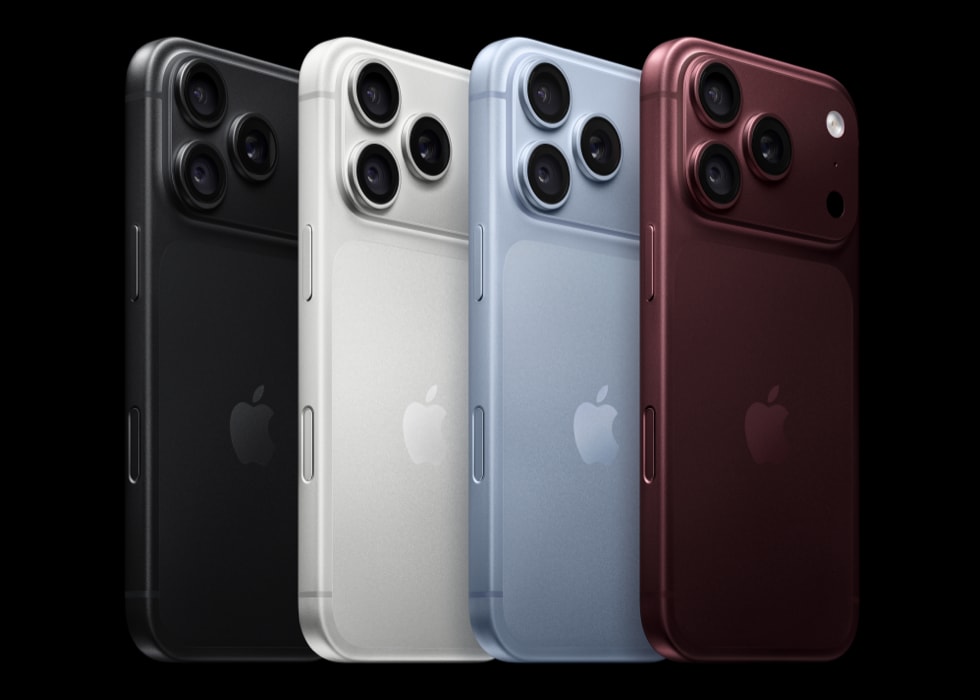
Is your iPhone 18 Pro or iPhone 18 Pro Max not ringing when you receive calls, causing you to miss calls? Your iPhone will ring audibly with incoming calls if you want. If it isn’t ringing, there are several possible reasons for the issue. Your iPhone 18 Pro may not be ringing due to your settings. For example, you may have set your iPhone to vibrate only or silent mode, or you may have turned on Focus Mode. In this article, I cover the possible reasons preventing your iPhone 18 Pro from ringing. Look through them one by one to figure out the problem. These tips will help you regardless of the call type, such as regular calls, WhatsApp, Skype, Instagram and so on.
1. Check your missed calls
Let’s first try to identify if this not ringing issue is caused by your iPhone 18 Pro or cellular network. Do you see the calls that didn’t ring in the missed calls of your Recents list in the Phone app? If you do not see them, the calls may not be reaching your iPhone. You might not be able to make or receive calls on your iPhone if you have certain settings turned on, if your software isn’t up to date, or if there’s a problem with your network.
- Contact your carrier. Make sure that your account is set up to use your iPhone, there aren’t any localized service outages, your account doesn’t have a billing-related block, and your calls don’t have errors on the carrier system.
- Another possible reason is that you turned on call forwarding with your carrier. Ask about this. When call forwarding is enabled, your iPhone 18 Pro won’t ring when you receive a call, and the call will be directly sent to the forwarded number.
2. Check your iPhone settings
- Ensure that Silent mode is not enabled on your iPhone 18 Pro: Go to Settings > Sounds & Haptics, then turn Silent mode off. If your Action button is set to Silent mode, you can also press and hold the Action button to turn Silent mode on or off.
- Check the ringer volume level is not all the way down: On your iPhone, go to Settings > Sounds & Haptics and check the ringer slider under the Ringtone section, and ensure that the slider is far enough to the right to where you can hear the ring.
- Check the Screen Unknown Callers setting: If your iPhone 18 Pro or iPhone 18 Pro Max is not ringing for calls made by callers who are not in your contact list (or from a number you have not called), check this setting. On your iPhone, go to Settings > Apps > Phone and choose Never: Call Screening is turned off and your iPhone will ring when you receive a call from an unsaved number.
- Check Call Forwarding: You can turn Call Forwarding off or on from your iPhone. Ensure that this is not enabled. Go to Settings > Apps > Phone > Call Forwarding.
- Check for any blocked phone numbers. In the Settings app, tap Apps and then Phone. Tap Blocked Contacts. To avoid missing calls from a contact, add their number to Contacts to ensure that your phone rings.
- Check your Focus settings: Your calls may be silenced if you turned on a Focus Mode, like Do Not Disturb. You can check this by opening Control Center. You can also check this by going to Settings > Focus.
- Check Auto-Answer: This is an accessibility feature that may cause your iPhone 18 Pro to not ring. Go to Settings > Accessibility > Touch > Call Audio Routing and ensure that Auto-Answer Calls is off.
- Check your communication limits: You can set communication limits based on your contacts. You may want to review your settings. Go to Settings > Screen Time > Communication Limits and check your choices for During Screen Time and When Device Paused or Unavailable. If someone who’s currently blocked by your Communication Limit settings tries to call you, their call won’t go through.