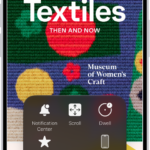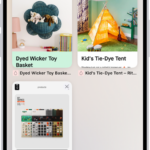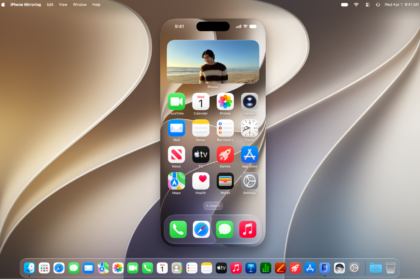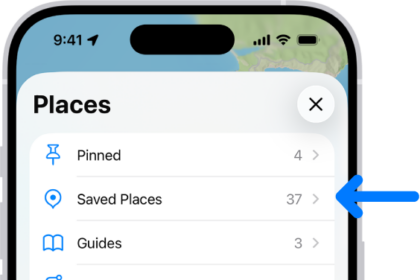
With built-in accessibility features for mobility, you can navigate and interact with iPhone using just your eyes, spoken commands, assistive devices, an external keyboard, and more. You can also set options so it’s easier to use gestures and press iPhone buttons.
Some of these features let you skip touching the screen entirely. Eye Tracking, Head Tracking, and Voice Control can all be used to navigate your iPhone hands-free. Others, like Slow Keys, Sticky Keys, and Touch Accommodations, adjust the sensitivity of your input.
To explore accessibility features for mobility, go to Settings > Accessibility, then scroll down to the Physical and Motor section.
| Action | Related features and settings |
|---|---|
| Navigate your iPhone hands-free | Eye Tracking Head Tracking Voice Control Siri Shortcuts Call audio routing Use simple sounds to perform gestures |
| Let iPhone type for you | Dictation Predictive text |
| Connect other inputs | Switch Control Keyboards Bluetooth accessories Head tracking |
| Control other devices | Apple Watch Mirroring Apple TV 4K remote Control nearby devices Platform Switching |
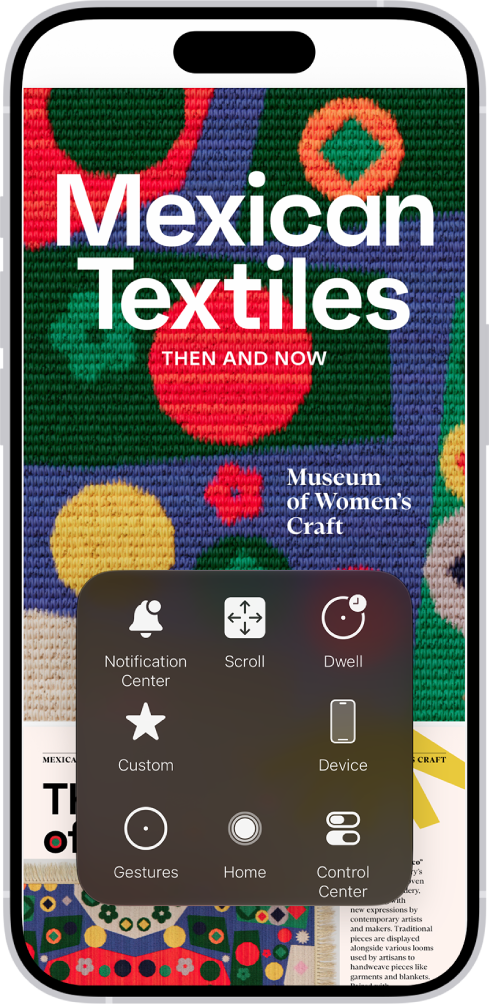
| Customize gestures | AssistiveTouch Back tap Reachability AirPods Pointer scrolling speed Side or Home button Face ID and attention |
| Adjust the sensitivity of your input | Slow Keys and Sticky Keys Siri Pause Time Touch accommodations |
| Turn off vibration | Vibration |
Quick tip: You can control your go-to accessibility features and settings from Control Center or with the click of a button.