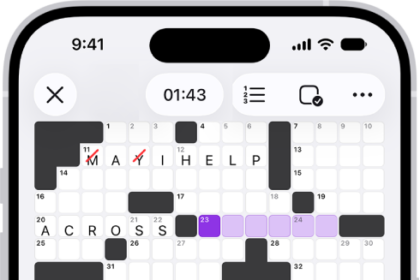
On iPhone, the Apple Games app is your central hub for the games you enjoy and the friends you play them with. Apple Games brings together your game library, activity from your games and friends, and personalized recommendations in one convenient place.
Sign in to the same Apple Account in both Game Center and the App Store, then use the Apple Games app to keep track of what’s new in the games you’re playing, discover new games, and stay connected with friends.
Discover new games
Find recommendations tailored to your preferences and see what games your friends are playing. Tap Home, then tap a game to learn more, download it, or jump right in if you already have it installed.
Play with friends
Play and compete with friends or players around the world. Tap Friends, then tap Challenge Your Friends.
Manage your library
Tap Library to access your downloaded games, track achievements, and filter your collection.