How to automatically fill in SMS passcodes on iPhone

You can automatically fill in one-time SMS passcodes on iPhone, which appear above the keyboard, into a website or app with a tap.

By Kristina Terech - Staff Writer
0 Min Read

When you sign in to some websites and apps, a one-time SMS passcode is sent to your iPhone. As a security measure, you’re required to enter the code into the website or app.

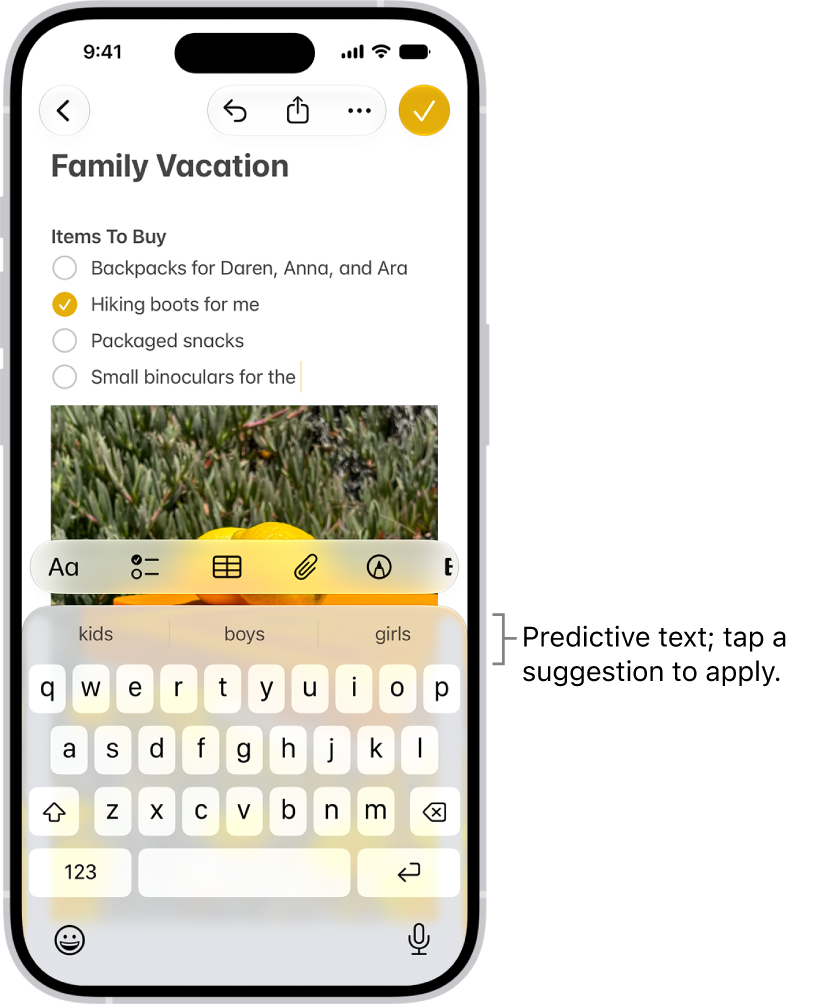
You don’t have to switch to Messages to copy it, though. iPhone can detect the passcode in Messages and display it above the keyboard, ready to use.

Note: Thanks to Continuity, SMS and MMS messages you send and receive on iPhone can show up on your Mac and your other iPhone, iPad, and iPod touch devices, too.

Staff Writer
Follow:
Kristina is a staff writer at GeeksChalk, and is interested in all things Apple. This includes its best products such as the iPad, iPhone, Mac, AirPods, and Apple Watch. When she's not tinkering with the latest Apple gear, you’ll find her watching movies, taking pictures and exploring the great outdoors.
Leave a Comment