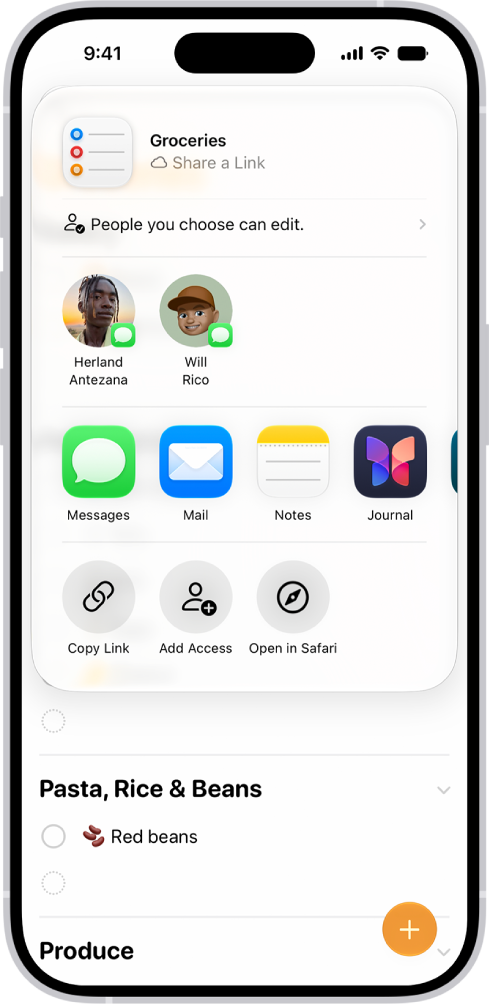
On iPhone, you can print a grocery list, checklist, to-do items, project tasks, and more. It works right from the Reminders app on your iPhone, so any list you’ve made there, from a grocery list to your project tasks, can end up on paper.
- Start the Reminders app on your iPhone.
- View the list you want to print.
- Tap the More button and tap Print.