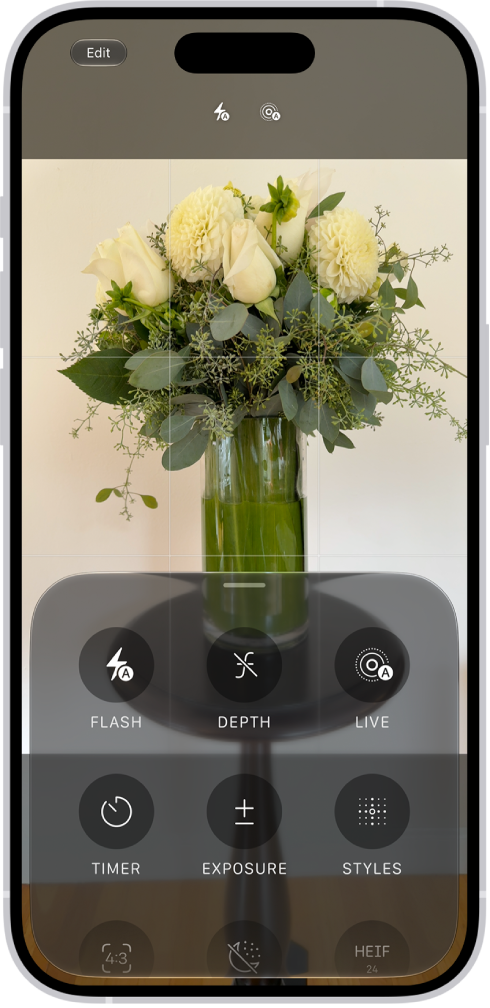
On iPhone 18 Pro models, you can take manual control of the camera. You can set the aperture, shutter speed, and white balance yourself, and use a histogram to check exposure.
You can add these tools above the camera frame, or open them with the Camera Controls button. If you don’t, the Main camera handles aperture, shutter speed, and white balance on its own.
Here’s how to use advanced camera tools on iPhone.
Adjust the aperture, shutter speed, and white balance
The Main camera automatically takes care of the aperture, shutter speed, and white balance. On iPhone 18 Pro models, you can set them manually instead in Photo, Video, Cinematic, Slo-mo, and Time-Lapse modes.
- Open Camera on your iPhone.
- Do either of the following:
- Tap the Camera Controls button, then tap Lens Aperture, Shutter Speed, or White Balance.
- Optionally, add the Lens Aperture, Shutter Speed, or White Balance control to the camera tools above the camera frame, then tap it.
- For Lens Aperture or White Balance, tap the value you want to use. For Shutter Speed, drag the slider.
Turning on Lens Aperture in Preserve Settings saves the aperture setting, so it isn’t reset the next time you open Camera.
Check exposure using the histogram
iPhone 18 Pro models can show you the exposure across the frame while you compose your shot.
- Open Camera on your iPhone.
- Do either of the following:
- Tap the Camera Controls button, then tap Histogram.
- Optionally, add the Histogram control to the camera tools above the camera frame, then tap it.