Tag: Reminders
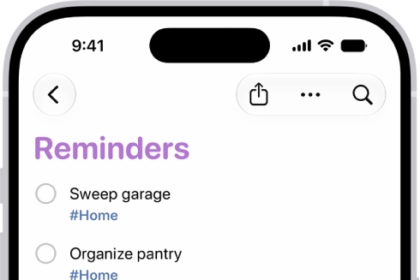
How to get started with Reminders on iPhone
You can use Reminders on iPhone to set reminders, make grocery lists that sort themselves,…
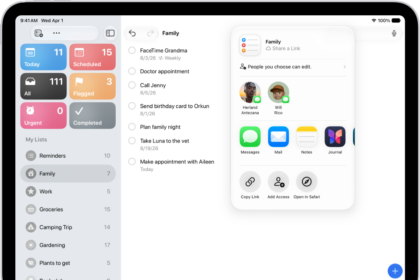
How to print a list in Reminders on iPad
You can print a list in Reminders on iPad, like a grocery list, checklist, or…
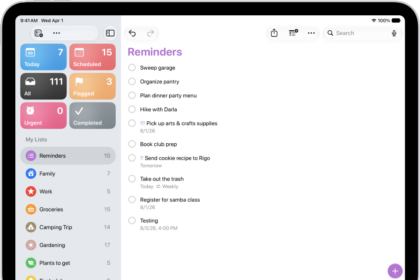
How to work with templates in Reminders on iPad
You can work with templates in Reminders on iPad to reuse lists for routines and…
How to delete or recover items in Reminders on iPad
You can delete or recover items in Reminders on iPad, undo a deletion, and recover…
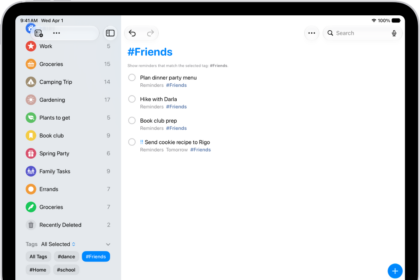
How to use keyboard shortcuts in Reminders on iPad
You can use keyboard shortcuts in Reminders on iPad with an iPad keyboard to create…
How to create reminders on iPhone
You can create reminders on iPhone in Reminders or Calendar, from any app, or from…
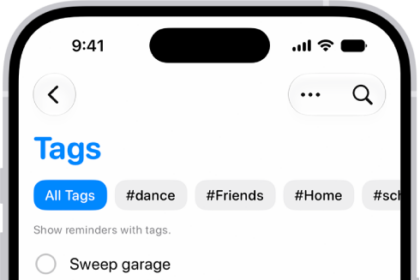
How to tag items in Reminders on iPhone
You can tag reminders on iPhone with tags like #work, then find them with the…
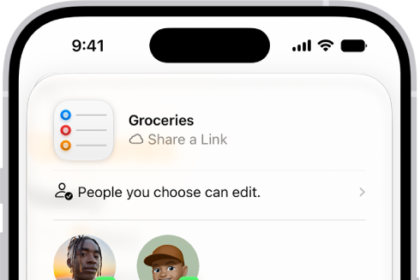
How to print a list in Reminders on iPhone
You can print a grocery list, checklist, to-do items, or project tasks from the Reminders…
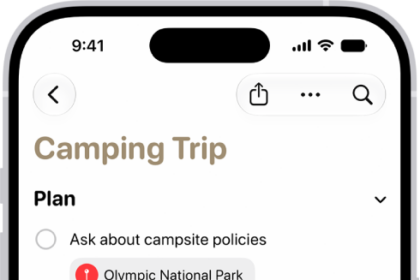
How to edit and organize a list in Reminders on iPhone
You can organize a Reminders list on iPhone with sections, subtasks, and columns, and let…
How to add details in Reminders on iPhone
You can add notes, dates, locations, priorities, photos, and scans to reminders on iPhone, and…