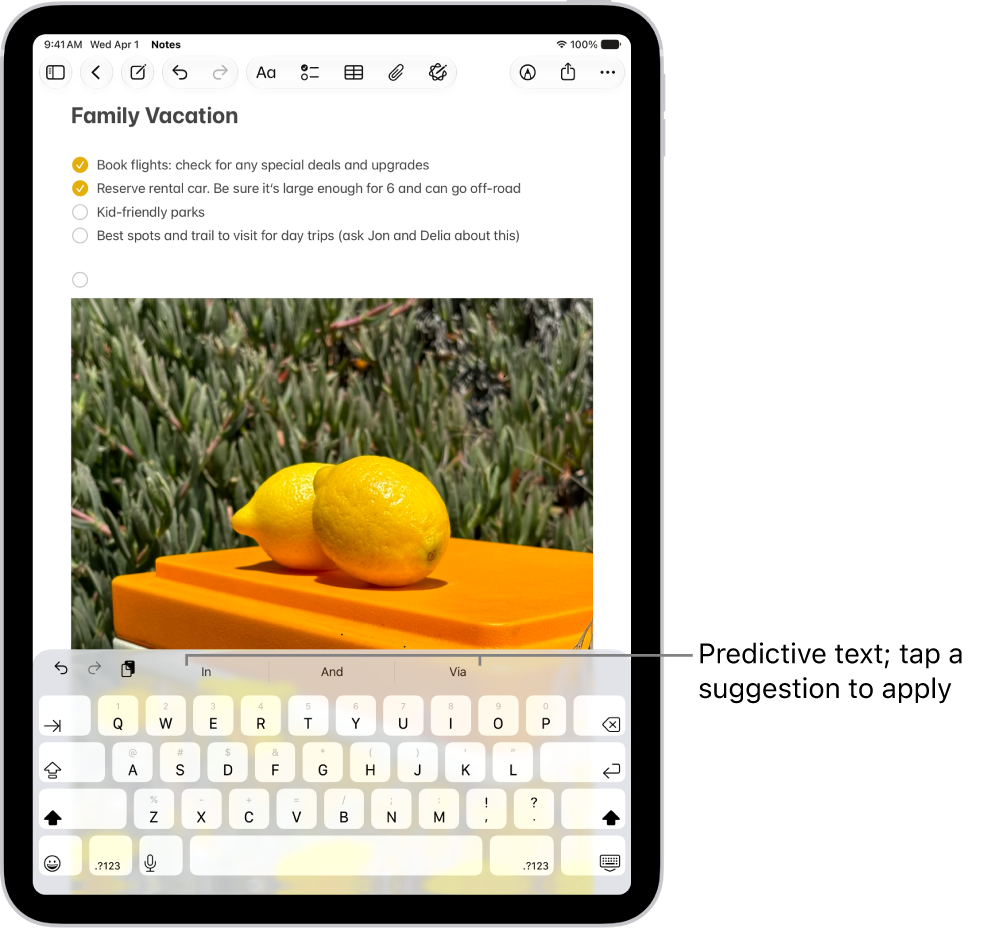
On iPad, you can change options for auto-correction, smart punctuation, and more. You can change typing assistance options for an external keyboard or for all keyboards, and turn Auto-Capitalization and Auto-Correction on or off, so an app capitalizes proper nouns or corrects spelling as you type.
Change typing assistance options for an external keyboard
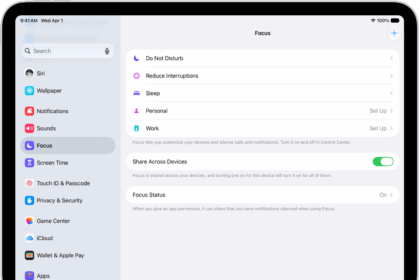
Go to Settings > General > Keyboard > Hardware Keyboard, then do any of the following:
- Turn Auto-Capitalization on or off: When this option is selected, an app supporting this feature capitalizes proper nouns and the first words in sentences as you type.
- Turn Auto-Correction on or off: When this option is selected, an app supporting this feature corrects the spelling as you type.
- Turn “.” Shortcut on or off: When this option is selected, double-tapping the space bar inserts a period followed by a space.
Change typing assistance options for all keyboards
Turn special typing features, like predictive text and smart punctuation, on or off. These features assist you as you type, and the settings apply to both your onscreen keyboard and your external keyboard.
- Open Settings, tap General, and tap Keyboard.
- In the list below All Keyboards, turn typing features on or off.
For several options, including auto-correction and auto-capitalization, you can specify different settings for your external keyboard in Settings > General > Keyboard > Hardware Keyboard.
See also