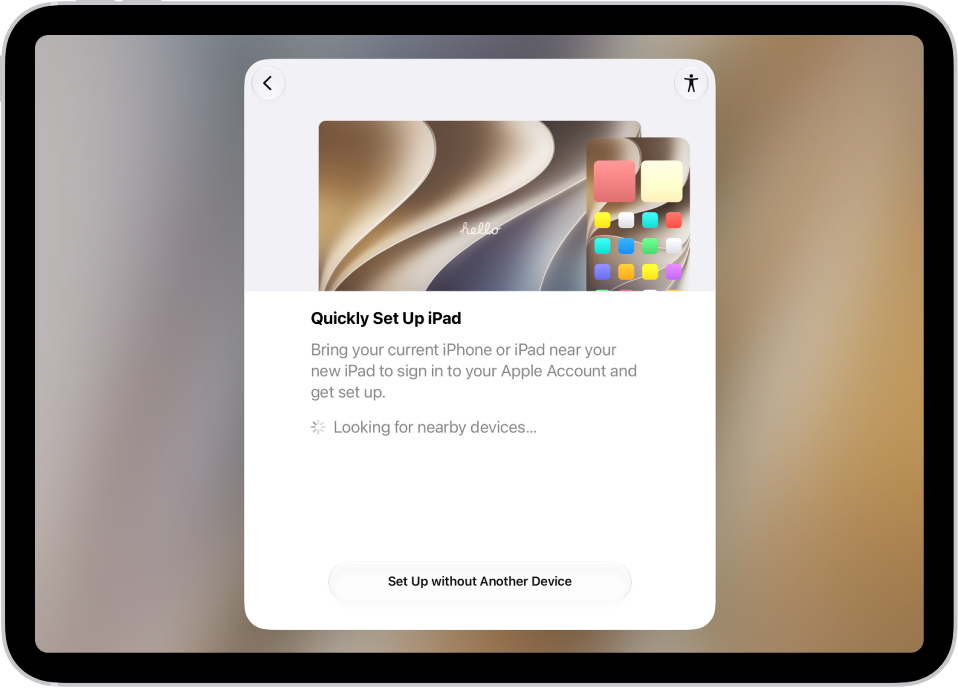
You choose the language and region of your iPad during setup. If you travel or move, you can change the language or region.
You can add or remove a language, and change regional settings like the calendar format, the temperature unit (Celsius or Fahrenheit), and the measurement system (metric, US, or UK). You can also set the first day of the week, the date format, and the number format, along with Live Text, the text you can select in images to copy or to take action on.
Add or remove a language
- Start the Settings app on your iPad.
- Tap General and tap Language & Region. Do any of the following:
- Add a language: Tap Add Language, then select a language.
- Remove a language: Tap Edit, tap the Delete button, and tap Delete. Tap the Done button when done.
Change the regional settings
- Start the Settings app on your iPad.
- Tap General and tap Language & Region. Set the following:
- The region
- The calendar format
- The temperature unit (Celsius or Fahrenheit)
- The measurement system (metric, US, or UK)
- The first day of the week
- The date format
- The number format
- Live Text (text you can select in images to copy or take action on)
See also