How to keep recordings up to date in Voice Memos on iPad

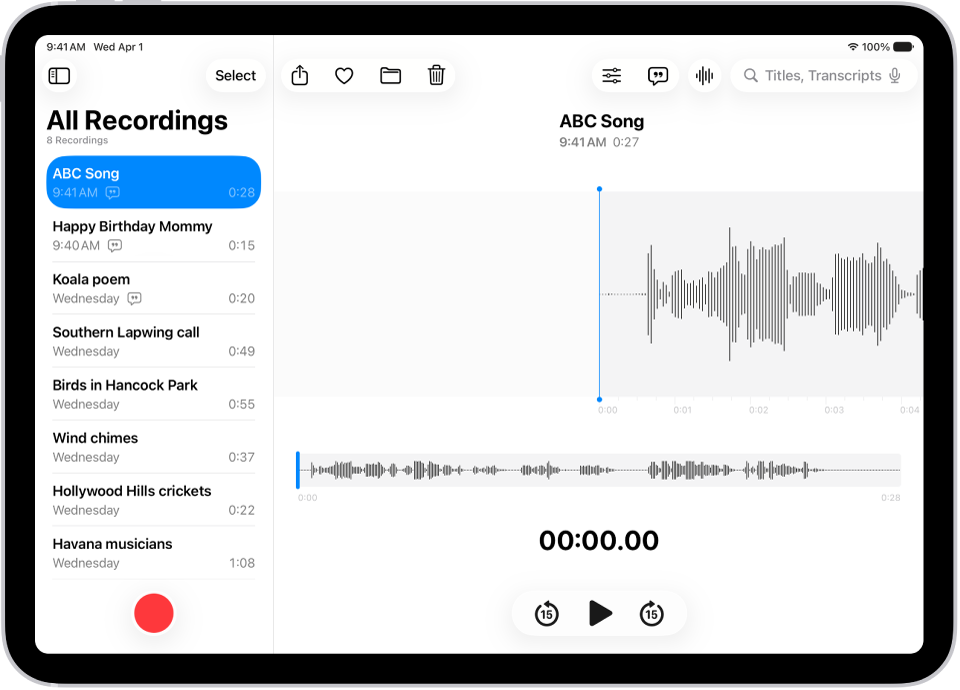
You can keep recordings up to date in Voice Memos on iPad across your iPhone, iPad, and Mac with iCloud.

By Chris Smith - Senior Editor
0 Min Read

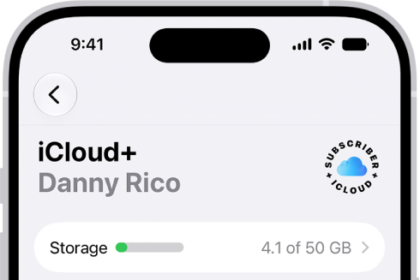
You can keep your audio recordings up to date automatically on your iPhone, iPad, and Mac where you’re signed in to the same Apple Account and Voice Memos is turned on in iCloud settings. You’ll turn it on separately on each device.

Do the following to turn on Voice Memos in iCloud on your devices:

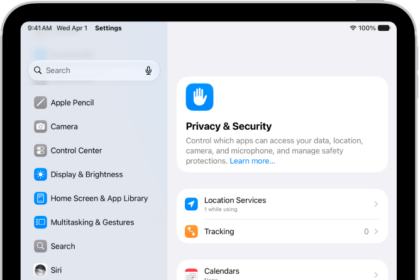
  • iOS or iPadOS: Go to Settings > [your name] > iCloud > See All, then scroll down and turn on Voice Memos.
  • macOS 15 or later: Choose Apple menu > System Settings, then click your name in the sidebar. If you don’t see your name, click “Sign in” to sign in to your Apple Account or create one. Click iCloud, click See All, then scroll down and turn on Voice Memos.
Senior Editor
Follow:
Chris Smith is a senior editor at GeeksChalk based in Canada. He likes to think of himself as a jack of all trades (and a master of at least a few), though he mainly focuses on iPhones and Macs. Often covering both at the same time. When not surrounded by various Apple devices while putting them through their paces, Chris can be found streaming the latest movies or series, gaming on his PS5, or getting fresh air on a hike in the beautiful wilderness of British Columbia.
Leave a Comment