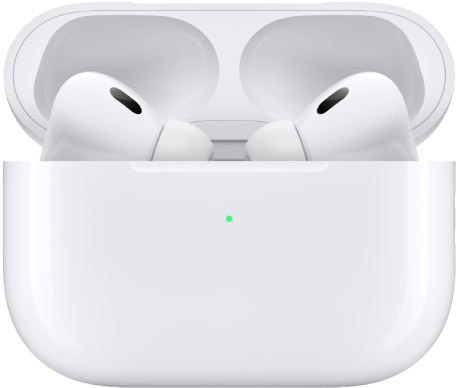
You can use AirPods as a Bluetooth headset with a non-Apple device, like an Android phone. You can’t use Siri, but you can listen and talk.
How you pair depends on your AirPods. Older models use the setup button on the back of the AirPods case, AirPods 4 or 5 and AirPods Pro 3 use the front of the case, and AirPods Max use the listening mode button. When the status light flashes white, your AirPods appear in the list of Bluetooth devices.
To set up your AirPods with an Android phone or other non-Apple device, follow these steps:
- On your non-Apple device, make sure that Bluetooth is on (on an Android device, go to Settings, tap Connections, then tap Bluetooth).
- Do one of the following:
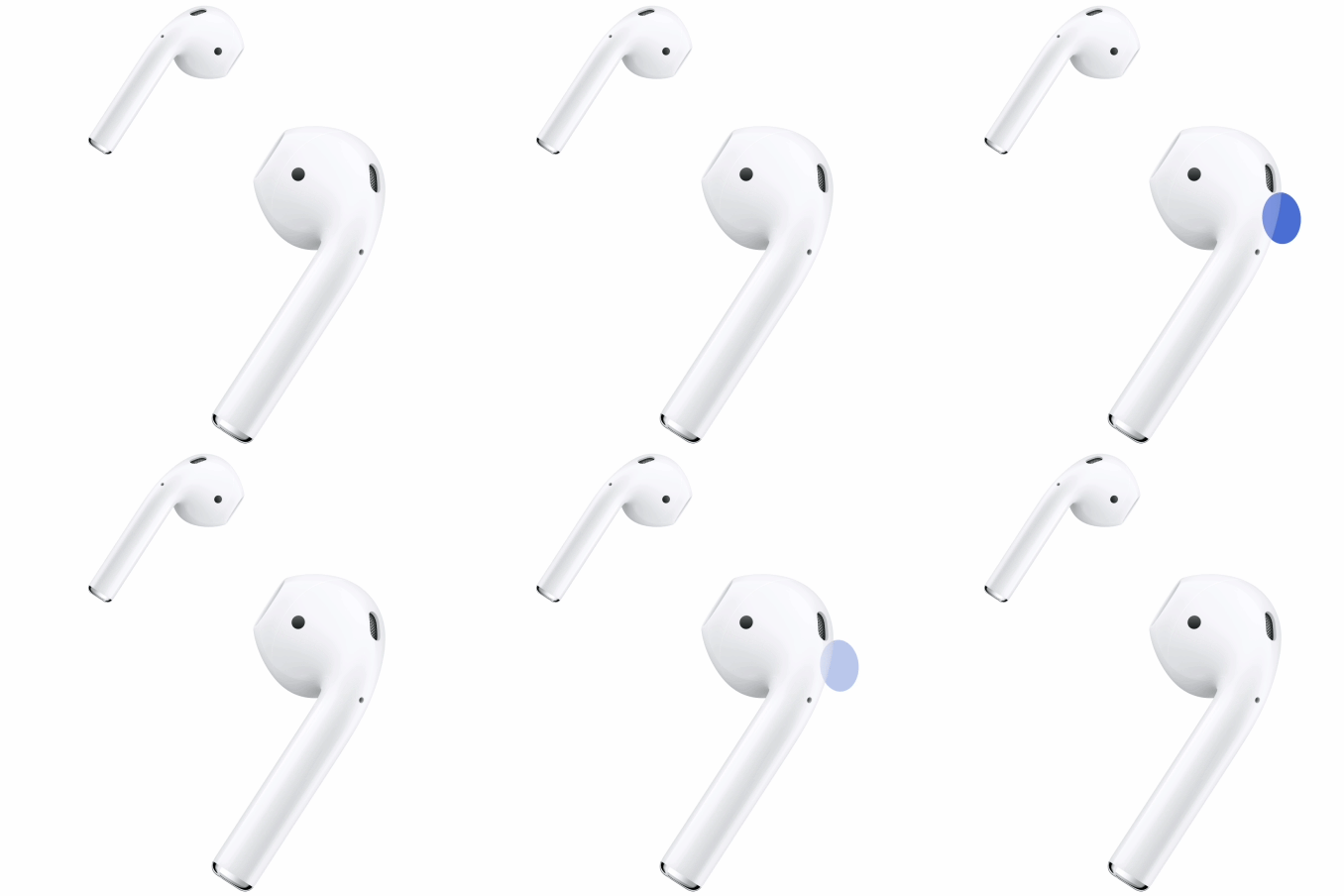
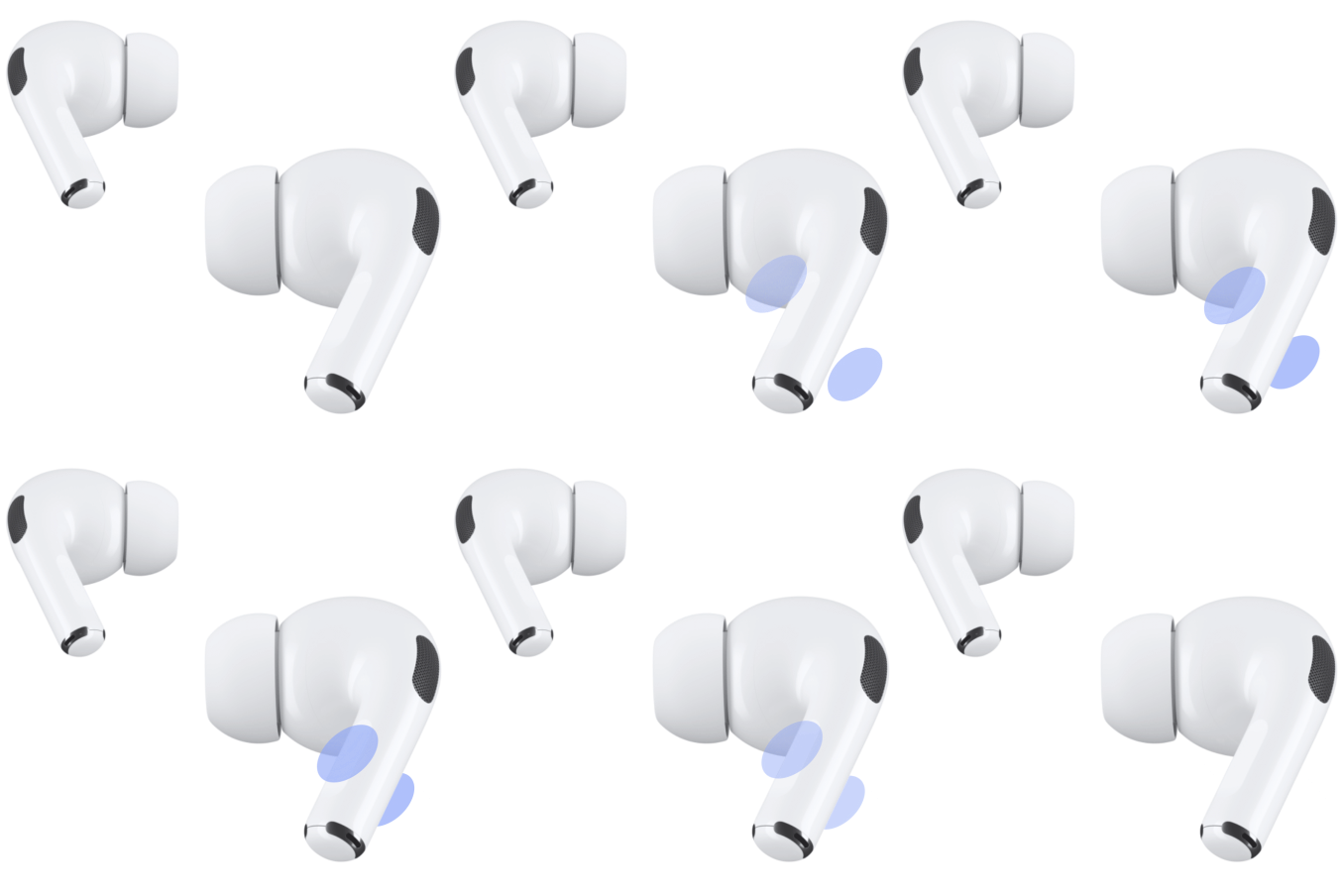
- AirPods 1, 2, or 3, or AirPods Pro 1 or 2: With your AirPods in the charging case, open the lid and then press and hold the setup button on the back of the AirPods case for about 5 seconds, or until the status light flashes white.
- AirPods 4 or 5, or AirPods Pro 3: Open the case with your AirPods inside and hold it next to your device. Then double-tap the front of the AirPods case so the status light flashes white.
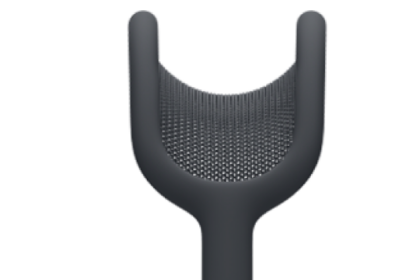
- AirPods Max: Press and hold the listening mode button for about 5 seconds, or until the status light flashes white.
- When your AirPods appear in the list of Bluetooth devices, select them.
This guide is for iOS 27, iPadOS 27, macOS 27, tvOS 27, watchOS 27, or later.
See also