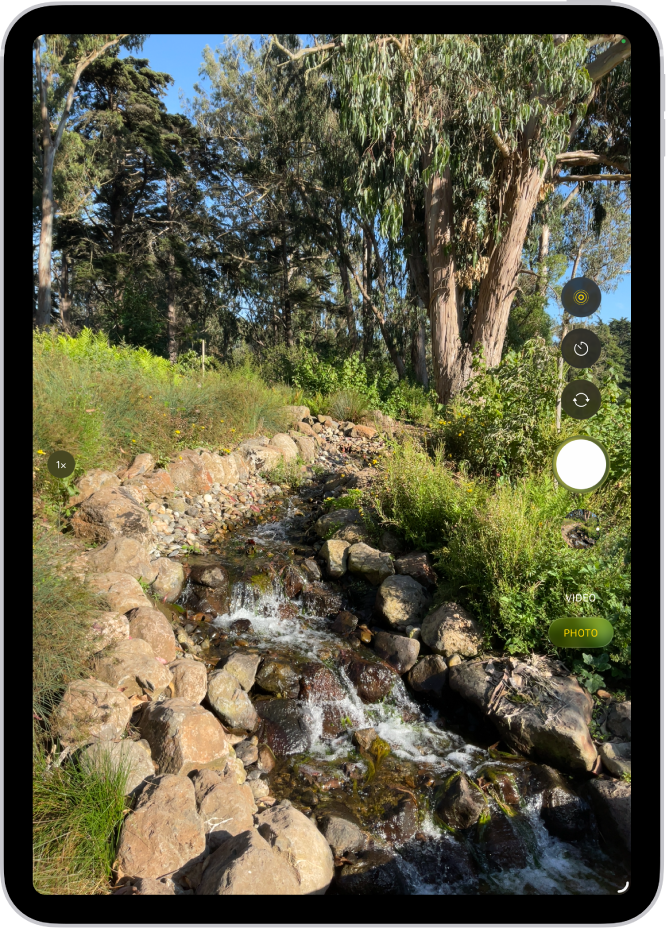
On iPad, use the Photo Booth app to take selfies and photos with fun effects. Photo Booth uses the front camera to show your subject in multiple tiles, each with a different effect, like Kaleidoscope, Stretch, and X-Ray, and the tile in the center shows Normal view. You’ll hear a shutter sound when you take a photo, too.
Take a Photo Booth photo
Using the front camera, Photo Booth shows the subject on the iPad screen in multiple tiles, each with a different effect, such as Kaleidoscope, Stretch, X-Ray, and more. Normal view appears in the tile in the center of the screen.
- Aim iPad at your subject to frame your shot.
- Tap the tile of the effect you want to capture and then do any of the following:
- Switch between the front and rear-facing cameras: Tap the Camera Chooser button at the bottom of the screen.
- Change the effect: Tap the Filters button at the bottom left of the screen.
With some effects, you can drag your finger across the screen, or pinch, swipe, or rotate the image to alter the appearance.
- Tap the shutter button to take the shot.
iPad makes a shutter sound when you take a photo, and the volume buttons control how loud it is. Read our article, Adjust the volume.
Note: In some regions, sound effects are played even if your iPad is set to silent.
See also