How to delete recent directions in Maps on iPad

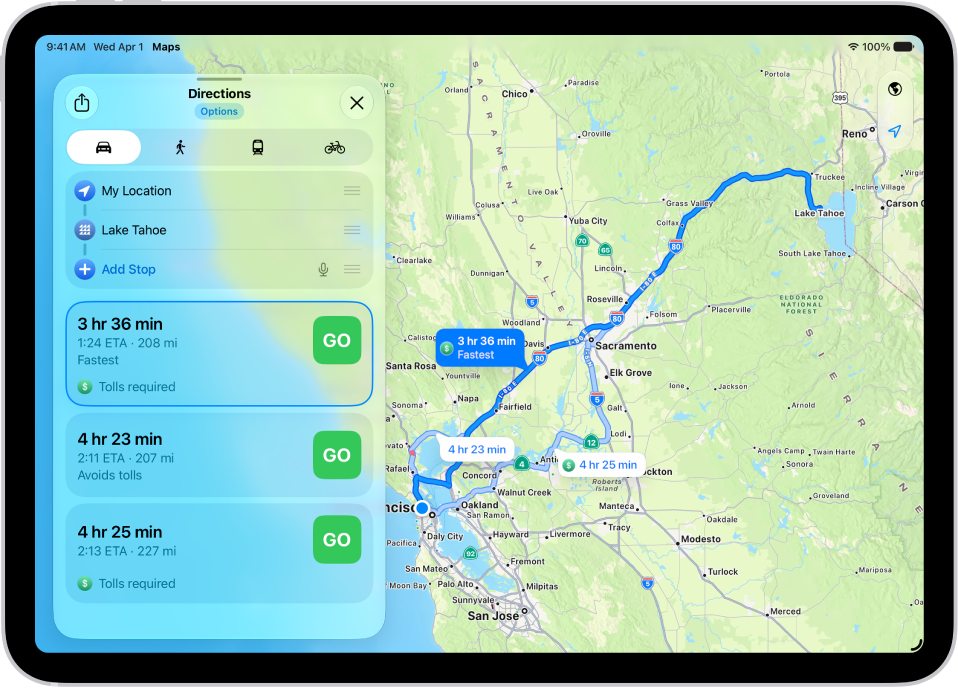
You can delete recent directions in Maps on iPad, one item at a time or all at once from Recents.

By Tom Griffin - Executive Editor
0 Min Read

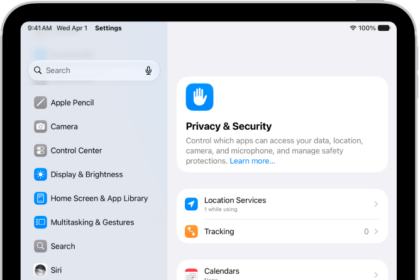
You can delete directions that you recently viewed in the Maps app on your iPad. You can delete a single item, or delete all recent directions at once. You can also clear your location history in Maps, and control the location information you share on iPad, along with access to information in apps.

  1. Go to the Maps app on your iPad.
  2. Scroll down to Recents and then do one of the following:
    • Delete a single item: Tap the More button and then tap Clear.
    • Delete all recent directions: Tap Recents, then tap Clear.

See also
TAGGED:
Executive Editor
Follow:
Tom Griffin is the editor-in-chief at GeeksChalk where he oversees all of site’s evergreen content to ensure it’s up to date with the latest information. Hailing from London in the UK, he has over seven years of experience in the tech journalism space and holds a degree in English Literature. In his spare time, Tom can found checking out the latest video games, immersing himself in his favorite sporting pastime of football, and petting every dog he comes across in the outside world.
Leave a Comment