How to view Live Activities on Apple Watch

You can view Live Activities on Apple Watch, like a workout, timer, or music, and choose when and how they appear.

By Stacey Butler - Senior Staff Writer
0 Min Read

Live Activities—app activities in progress such as a workout, a timer, or music—appear on the Apple Watch face and at the top of the Smart Stack.

You can see them at a glance, and choose when and how Live Activities appear.

Here’s how to view Live Activities on Apple Watch.

See Live Activities

  1. Tap the Live Activity at the top of the watch face.
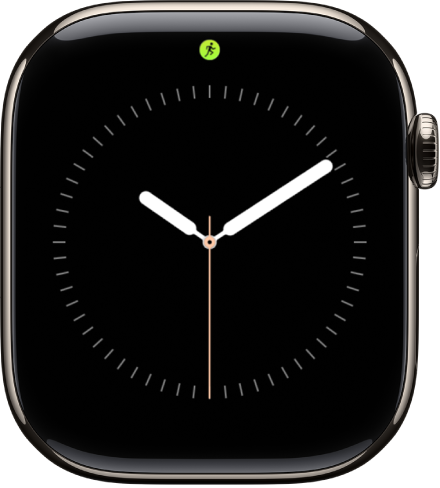
    The Apple Watch face with a Live Activity dot at the top center.

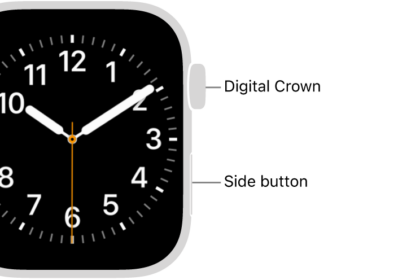
  2. To return to the watch face, press the Digital Crown.

Choose when and how Live Activities appear

  1. Start the Settings app on your Apple Watch.
  2. Tap Smart Stack and tap Live Activities. Then set any of the options.

See also
TAGGED:
Senior Staff Writer
Follow:
Stacey is a senior staff writer at GeeksChalk and has been writing about Apple for nearly a decade. She covers all things Apple for GeeksChalk, including iPhones, iPads and Mac. Based in Honolulu, Hawaii, Stacey is often found hiking precarious landscapes or tinkering with a camera.
Leave a Comment