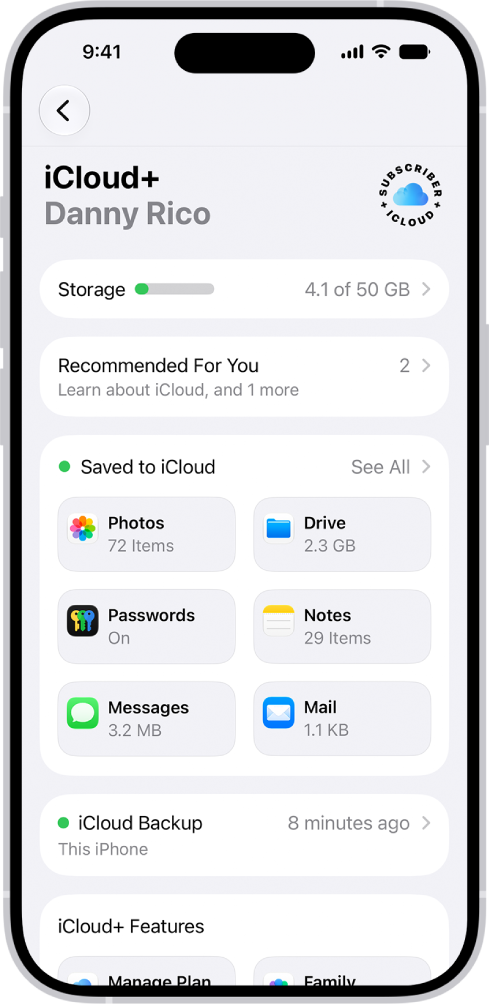
Your Apple Watch is backed up automatically to your paired iPhone, and you can restore it from a stored backup. Apple Watch backups are included when you back up your iPhone—either to iCloud, or to your Mac or Windows device.
If your backups are stored in iCloud, you can’t view the information in them. But if you get a new Apple Watch, you can restore it from one of those backups.
Back up and restore Apple Watch
- Back up your Apple Watch: When paired with an iPhone, Apple Watch content is backed up continuously to the iPhone. If you unpair the devices, a backup is performed first.
- Restore your Apple Watch from a backup: If you pair your Apple Watch with the same iPhone again, or get a new Apple Watch, you can choose Restore from Backup and select a stored backup on your iPhone.
An Apple Watch that’s managed for a family member backs up directly to the family member’s iCloud account when the watch is connected to power and a Wi-Fi network. To disable iCloud backups for that watch, go to the Settings app on the managed Apple Watch, tap [account name], tap iCloud, tap iCloud Backups, then turn off iCloud Backups.
See also