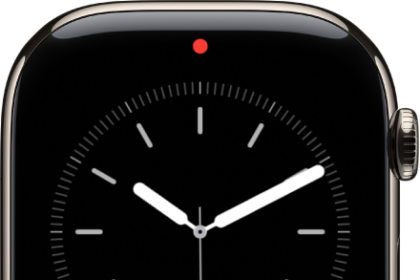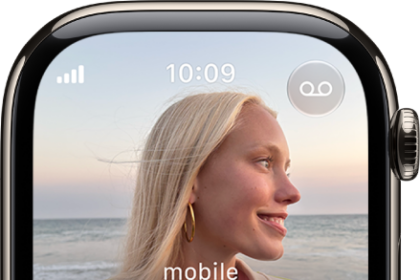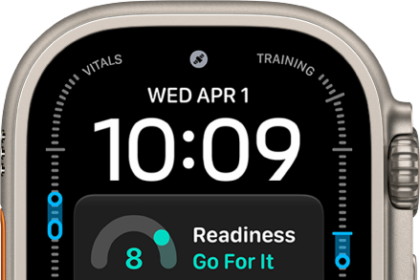
On Apple Watch, you can share watch faces with friends. Shared faces can include the complications included in watchOS as well as those created by third parties.
You share a watch face from your iPhone, and you can receive shared watch faces in Messages or Mail, or by clicking a link online. If a face has a third-party complication, you can download the app from the App Store. You might also find a shared face link on your iPad or Mac.
Note: Whoever receives the watch face also needs an Apple Watch with watchOS 7 or later.
Share a watch face from your iPhone
- Open the Apple Watch app on your iPhone.
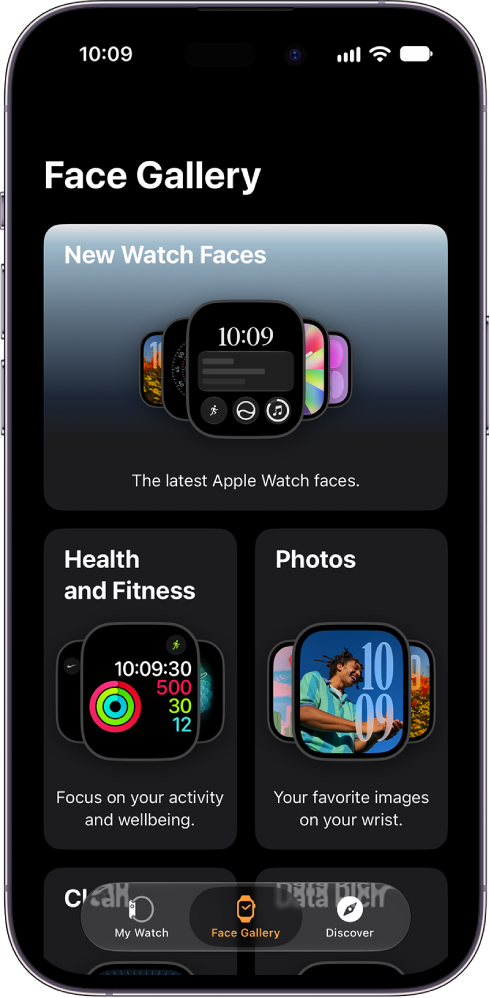
- Tap a watch face from your collection or Face Gallery.
- Tap the Share button and then choose a sharing option.
Receive a watch face
Shared watch faces can reach you in Messages or Mail, or you can get one by clicking a link online.
- Open a text, email, or link that contains a shared watch face.
- Tap the shared watch face and tap Add.
If you receive a watch face with a complication in a third-party app, tap the price of the app or Get to download the app from the App Store. You can also tap Continue Without This App to get the watch face without the third-party complication.
You might find a shared watch face link while using your iPad or Mac. In this case, you can tap or click the link to download the watch face file. Then use AirDrop or the Files app to send the file to your iPhone. Tap the file on your iPhone and choose to open it in the Apple Watch app, then tap Add to My Faces.
See also