On Apple Watch, you can add special features—called complications—to some watch faces, so you can instantly check things like stock prices, the weather report, or information from other apps you installed.
Most apps open right from their complication, and some show just what you need with a glance. Apps you get from the App Store can include complications, too.
Add complications to the watch face
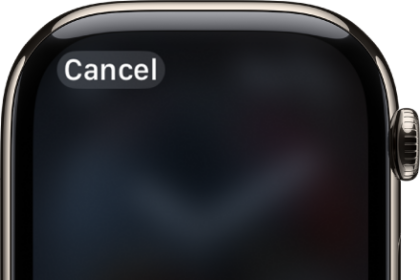
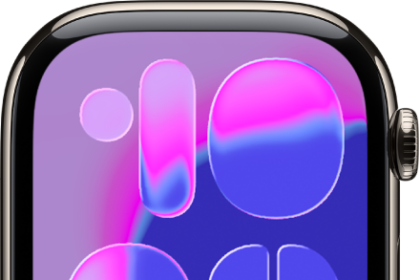
- With the watch face showing, touch and hold the display and then tap Edit.
- Swipe left all the way to the end.
If a face offers complications, they’re shown on the last screen.
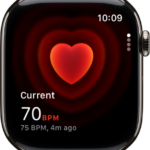
- Tap a complication to select it and turn the Digital Crown to choose a new one—Activity or Heart Rate, for example.
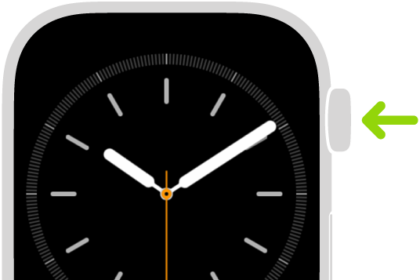
- When you’re finished, press the Digital Crown to save your changes and tap the face to switch to it.
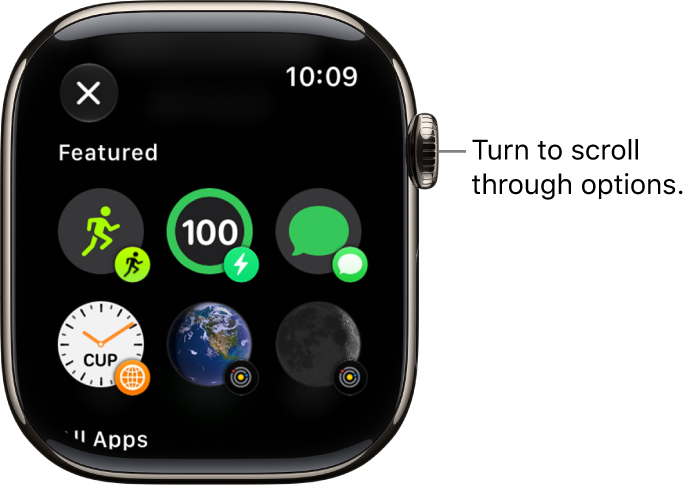
Complications also come with some apps you get from the App Store.
Complication options on Apple Watch
You can open most apps by tapping a complication on the watch face. Some complications show specific information from a particular app so you see just what you need with a glance. Weather, for example, includes complications for air quality, conditions, temperature, and more.
The following apps offer multiple complications.
| App | Available complications |
|---|---|
| Activity | Rings Timeline |
| Astronomy | Earth Moon Solar Solar System |
| Calendar | Your Schedule Lunar Date Today’s Date |
| Compass | Compass Elevation Level |
| Compass Waypoints | Last Viewed Waypoint Saved Waypoints Parked Car Waypoint |
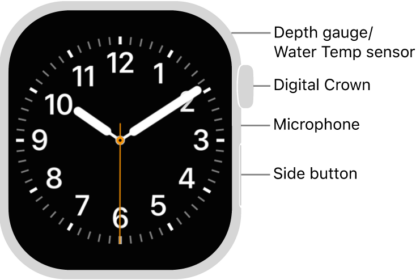
| Depth | Depth Water Temperature |
| Home | Home Grid Forecast |
| Maps | Nearby Transit Maps, Get Directions |
| Mindfulness | Mindfulness State of Mind |
| Notes | Open Notes Last Edited Note New Note |
| Shortcuts | Shortcuts Run Shortcut |
| Tides | Swell Tides |
| Time | Analog Seconds Analog Time Digital Seconds Digital Time |
| Timers | Added Timers Timer |
| Weather | Air Quality Conditions Humidity Rain Temperature UV Index Wind |
| World Clock | Sunrise/Sunset Added Locations |
See also