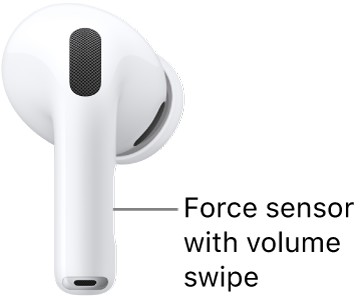
Your AirPods play sound effects at certain moments, such as when you put them in your ears or receive low battery alerts. On AirPods 5 with Wireless Charging Case, AirPods Pro 2, or AirPods Pro 3, the force sensor with volume swipe plays one, too.
You can adjust how loud they are from any of your devices.
- Wear your AirPods, and make sure they’re connected to your device.
- Do one of the following:
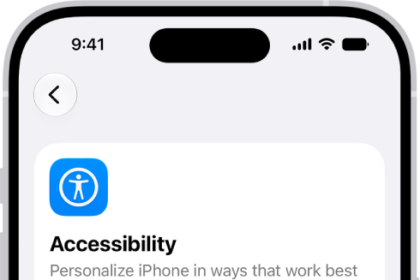
- iPhone or iPad: Go to the Settings app, then tap Accessibility. Tap AirPods.
- Mac: Go to the System Settings app and click Accessibility in the sidebar. Click Audio.
- Apple Watch: Go to the Settings app and tap Accessibility. Tap AirPods and select your AirPods.
- Apple TV 4K or Apple TV HD: Go to the Settings app, then select Accessibility. Select AirPods, then select your AirPods.
- Adjust Tone Volume.
Your AirPods also have accessibility settings you can change to suit your hearing needs. For details, see our guide, Set headphone accommodations.
See also