With AirPods, you can amplify sound with Live Listen, which works through your iPhone or iPad. With your device placed near what you want to hear, you listen through your AirPods.
It can help you hear better in some situations, for example, when you’re having a conversation in a noisy environment. Live Listen lives in Control Center on your iPhone or iPad, and it works with iOS 27, iPadOS 27, or later.
Here’s how to start Live Listen with your AirPods.
- Wear your AirPods, and make sure they’re connected to your device.
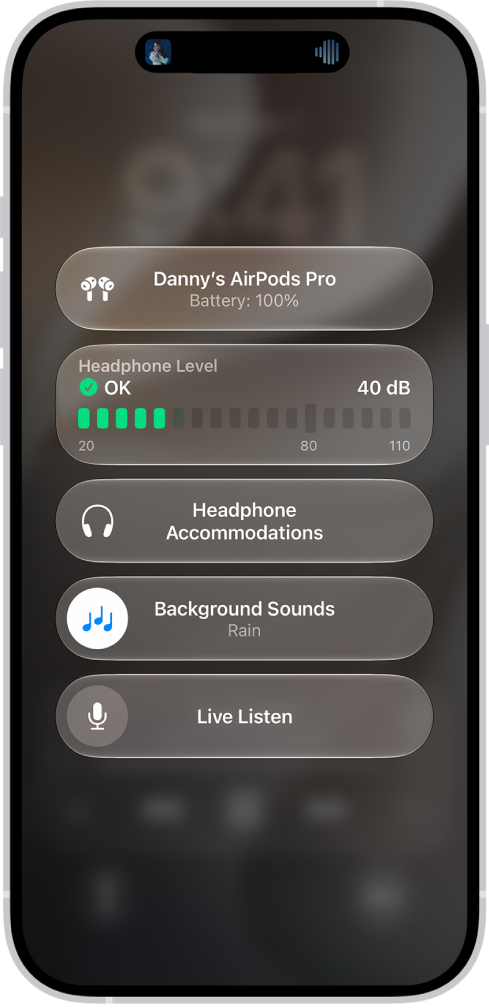
- Open Control Center on your iPhone or iPad, tap the Hearing Devices button, and then tap Live Listen.
If you don’t see the Hearing Devices button, add it to Control Center. Open Control Center, touch and hold the screen, tap Add a Control, then tap Hearing.
- Position your device near the sound source.
This guide is for iOS 27, iPadOS 27, macOS 27, tvOS 27, watchOS 27, or later.
See also